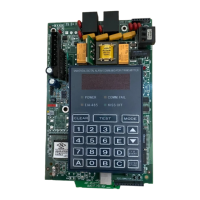
Section 5: Programmer Keyboard Commands
25
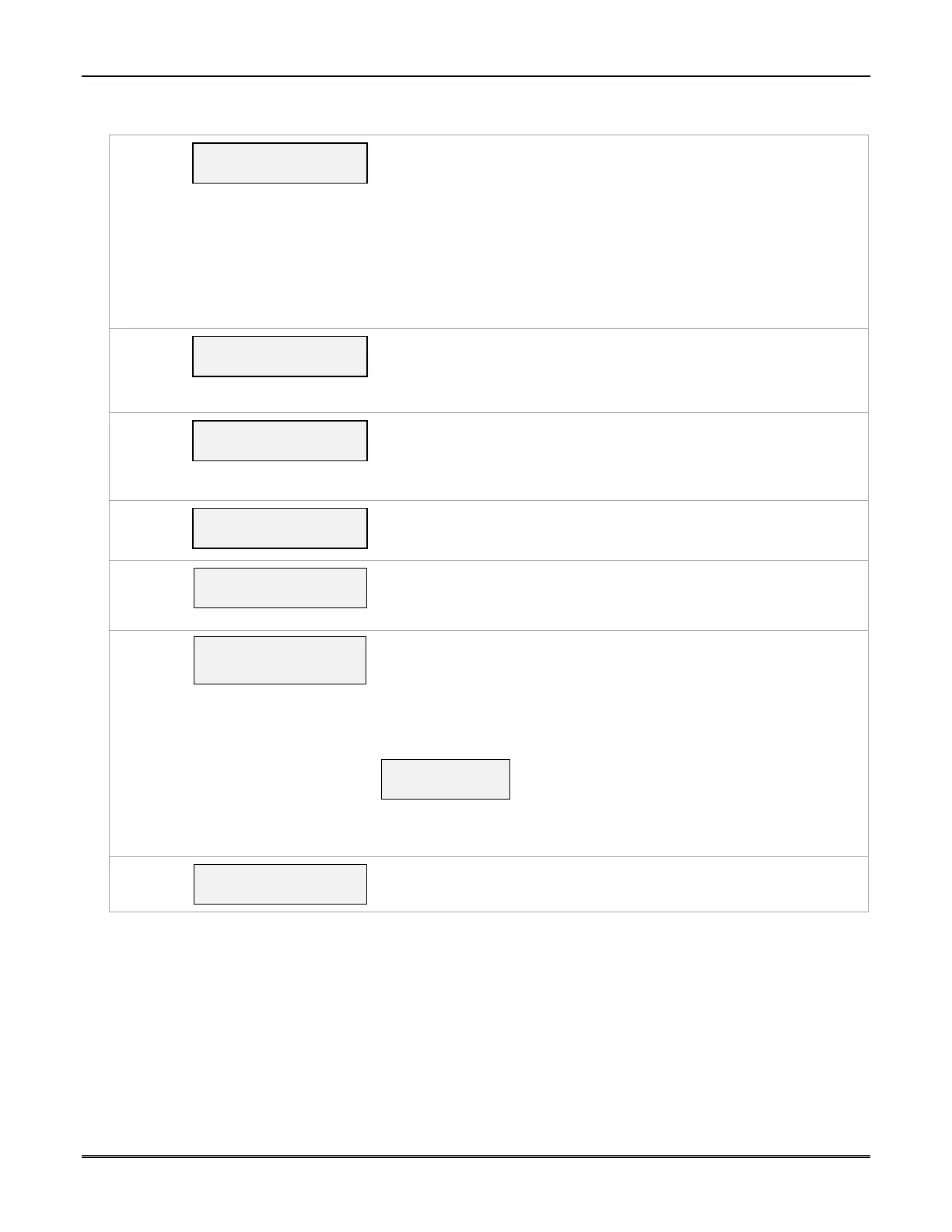
System Status Display
[S]
ECP Flt
OK
ECP Mode
Displays the system status.
Flt – Represents radio faults:
OK = Normal ; No fault
I – No network connectivity over IP and fault time has expired
i – No network connectivity over IP and fault time has NOT yet
expired.
G = No network connectivity over Cell and fault time has expired.
g = No network connectivity over Cell and fault time has NOT yet
expired.
[T]
Test Msg Sent
Test Alarm
Sends a Test alarm to AlarmNet. Functional for a registered
communicator only. If the device is not registered, a message is
displayed indicating that the command cannot be executed.
[X]
Reset CPU Y/N
Reset the Communicator.
Pressing [N] returns to diagnostic mode (blank screen = enter next
command or escape).
Pressing [Y] resets the communicator (blank screen = reset complete).
[]
(UP arrow)
Registering …
Registration
Registers a programmed communicator with AlarmNet.
[]
(DN arrow)
Enter PIN#
Registration with PIN for Replacement Communicator
Registers a replacement communicator with AlarmNet, once pro-
grammed, using the existing PIN #.
[0]
Force Server Update?
Y/N
Force Upload of Configuration File to Server
Pressing [Y] will force the device to upload its entire configuration file to
the server.
Pressing [N] cancels the operation.
NOTE: If the internet is not available, and the communicator is not
initialized when you enter this command, the following screen will be
displayed:
Cannot Upload
Try Later! _
Wait for the Signal Quality LEDs to light, indicating the communicator has
completed its initialization, and try again.
[ENTER]
Strt Prog Mode?
Y/N_
Enter Program Mode
Press [Y] to enter program mode; otherwise, press [N].



 To Next Page
 Loading...