
 Need help?
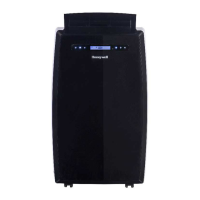
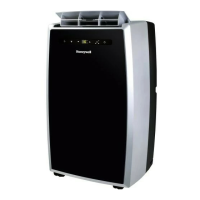
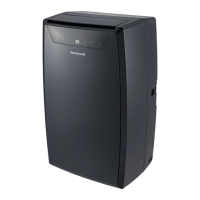
Do you have a question about the Honeywell MN4CFS0 and is the answer not in the manual?
Essential safety instructions to keep for future reference.
Key warnings and precautions for safe operation and handling of the unit.
Explanation of symbols related to flammable refrigerants and manual guidance.
Advice on placement, closing doors/windows for efficiency.
Key pre-operation steps like unit stabilization and proper grounding.
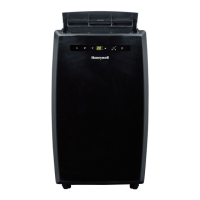
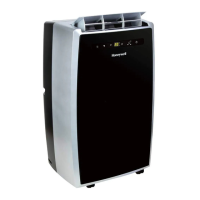
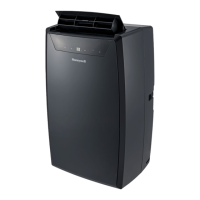
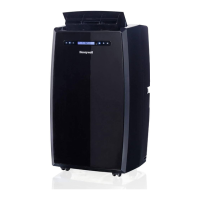
Identification and numbering of the portable air conditioner's parts.
List of components included in the window venting installation kit.
Steps for adjusting and securing window brackets for installation.
Instructions for connecting the exhaust hose and window bracket panel adapter.
Guidelines for exhaust hose setup and minimum air space requirements.
Identification and function of buttons on the unit's control panel.
Explains Air Conditioning, Dehumidifying, Fan, and Heating modes.
How to adjust temperature, fan speed, and timer settings.
Operation of the remote control for various functions and battery installation.
Instructions for general appliance cleaning.
Steps for removing, cleaning, and reinstalling dust filters.
Procedures for storing the unit at the end of the season.
Steps for draining excess water condensation from the unit manually.
Instructions for continuous water drainage when using dehumidifier mode.
Solutions for common issues like no power, remote problems, or short run times.
Troubleshooting steps for units that run but don't cool or have blinking indicators.
Guidance on why the heating function may not activate or switch on.
 General
| Type | Portable Air Conditioner |
|---|---|
| Fan Speeds | 3 |
| Wi-Fi Enabled | No |
| Auto Restart | Yes |
| Power Supply | 115 V |
| Refrigerant | R32 |
| Features | Remote Control |
| Heating Capacity | Not applicable |
| Seasonal Energy Efficiency Ratio (SEER) | Not applicable |
| Heating Seasonal Performance Factor (HSPF) | Not applicable |
| Operating Temperature (Heating) | Not applicable |
| Indoor Unit Noise Level | 52 dB |
| Outdoor Unit Noise Level | Not applicable |
| Outdoor Unit Dimensions (H x W x D) | Not applicable |
| Outdoor Unit Weight | Not applicable |
| Air Filter Type | Washable |



 To Next Page