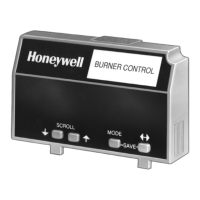
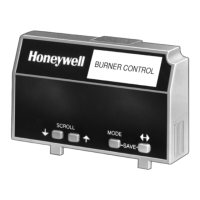
7800 SERIES S7800A KEYBOARD DISPLAY MODULE
CS ON/OFF
Select
29
65-009
0-6
OFF
Exit
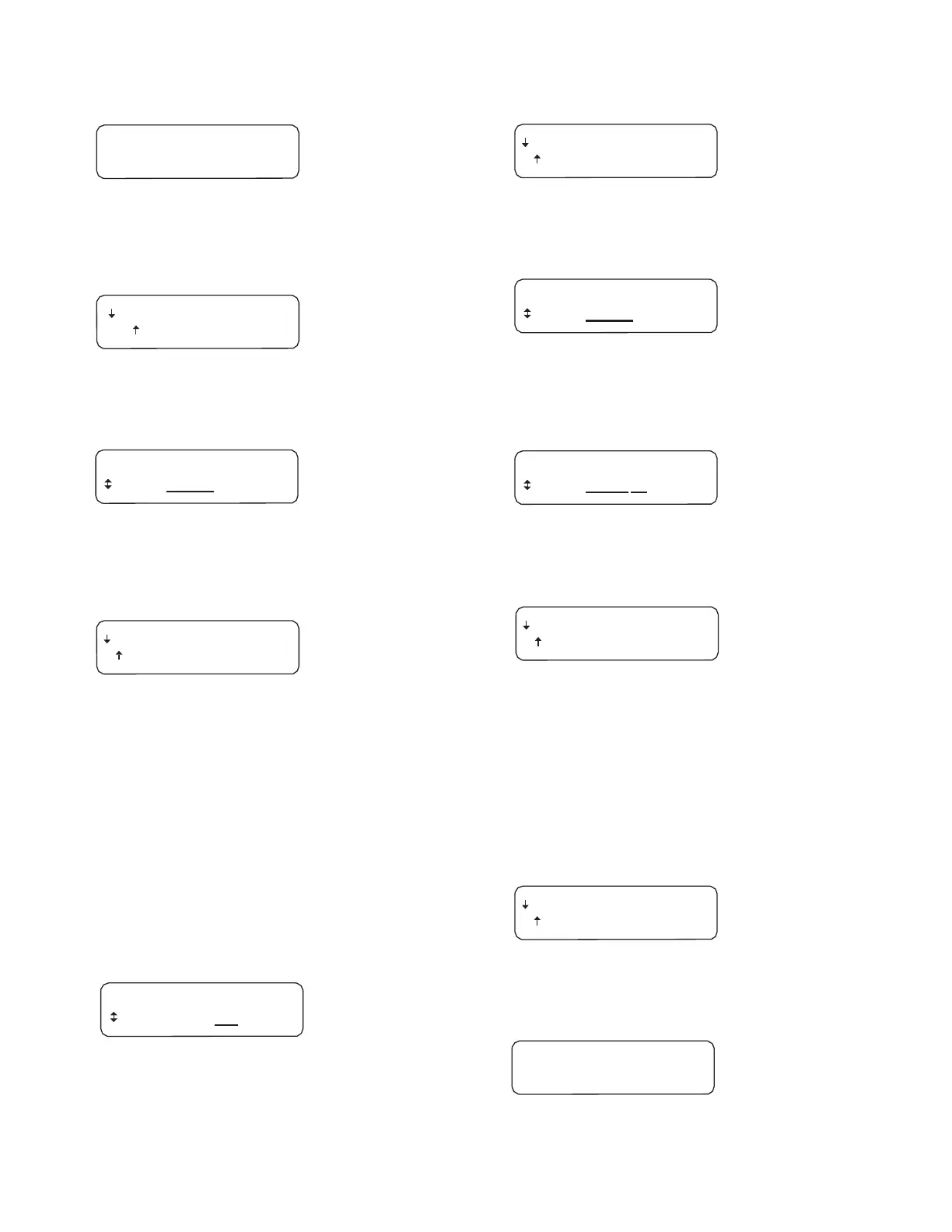
Fig. 52. CS ON/OFF screen.
Use the up/down arrows to select (ON, OFF, or ON,
Temporarily OFF).
Fig. 57. Select/Exit screen.
Choose Select.
– Save
Changes
– Exit no
Save
Fig. 53. Save Changes/Exit no Save screen.
Use down arrow to Save.
DISPLAY
Setup
Select:
CLONE
Fig. 58. DlSPLAY Setup/Select CLONE screen.
Use the down arrow to scroll through menu choices until CS
TEST appears.
DISPLAY
Setup
Select:
CLONE
DISPLAY
Setup
Select: CS TEST
Fig. 54. DlSPLAY Setup/Select CLONE screen.
Use up or down arrows to move to another selection. If ENTER
is pressed, the following screen appears:
Fig. 59. DlSPLAY Setup/Select CS TEST screen.
Press ENTER using the two ENTER buttons at the same time.
Select
Exit
Select
Exit
Fig. 55. Select/Exit screen.
Choose up arrow to exit to normal display function.
Display
Setup-CS
TEST
CS TEST allows the Call Service message to be viewed.
Accuracy and appearance can be viewed without putting the
7800 SERIES into lockout.
To access the CS TEST menu:
Press the left three buttons of the KDM for one second, then
release.
DISPLAY Setup will appear. If you have a personal password,
enter it to enter setup.
DISPLAY
Setup
PASSWORD: 000
Fig. 60. Select/Exit screen.
Choose Select.
The display will sequence once through the Call Service
message you have entered during the CS Edit setup.
Below is the default message.
Press ENTER using the two ENTER buttons at the same time
to select.
Select
Exit
Fig. 61. Select/Exit screen.
Choose Select.
Fig. 56. DlSPLAY Setup/PASSWORD screen.
Press ENTER by pressing the two ENTER buttons at the same
time.
. . . LOCKOUT . . . . . . .
Fig. 62. LOCKOUT screen.
Displayed for two seconds.


 To Next Page