EasyManua.ls Logo

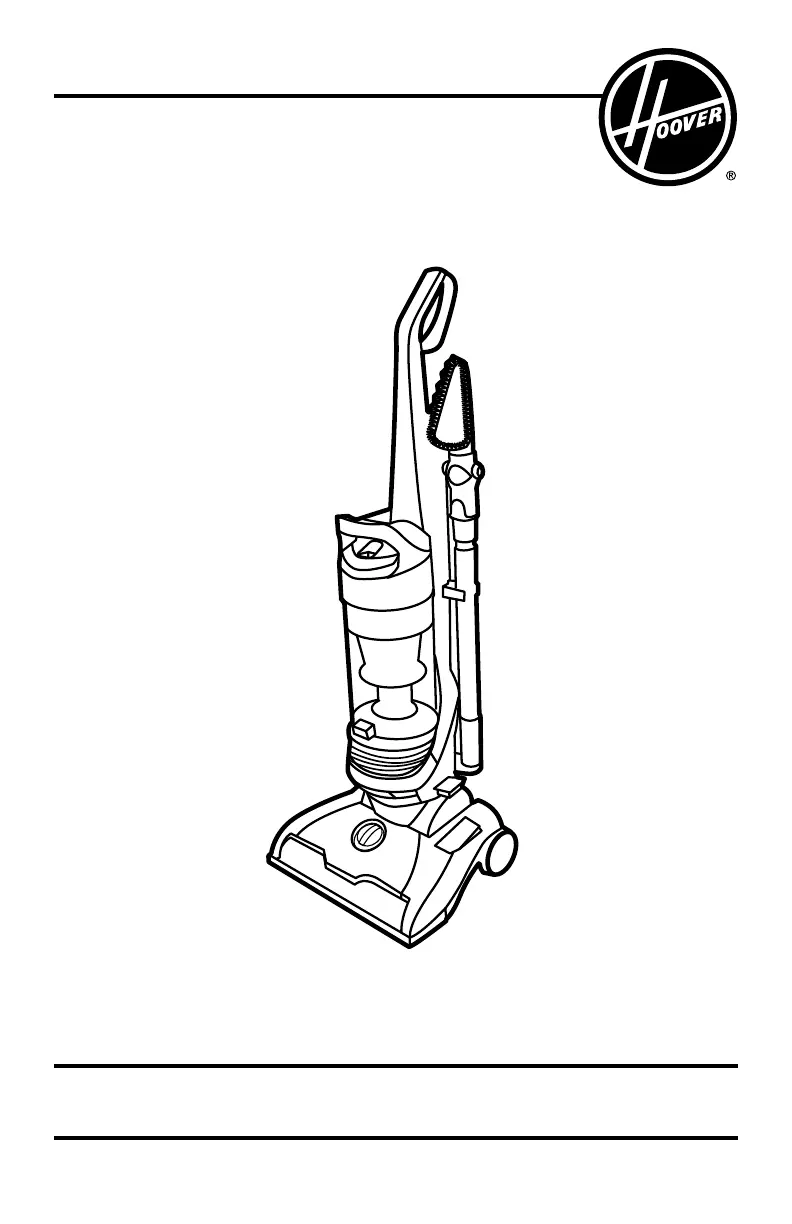
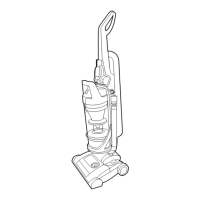
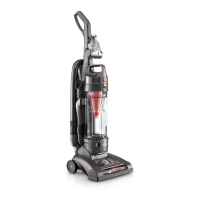
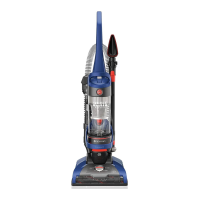
Hoover UH71250 - User Manual

Hoover UH71250
16 pages
Print Icon
To Next Page IconTo Next Page
Loading...
OWNER’S MANUAL
Operating and Servicing Instructions
©2018 Techtronic Floor Care Technology Limited. All Rights Reserved. #961151110-R4
THIS PRODUCT IS INTENDED FOR HOUSEHOLD USE ONLY.
IF USED COMMERCIALLY WARRANTY IS VOID.
Español - página E1
IMPORTANT: READ CAREFULLY BEFORE ASSEMBLY AND USE.
Questions or concerns? For assistance, please call Customer Service at 1-800-944-9200
Mon-Fri 8am-7pm EST. PLEASE DO NOT RETURN THIS PRODUCT TO THE STORE.
hoover.com

Questions and Answers

  • C
    Christopher KerrJul 28, 2025
    Why Hoover UH71250 Vacuum Cleaner has no suction?
    • J
      jacobvillegasJul 29, 2025
      There are several reasons why your Hoover Vacuum Cleaner might have low suction. It could be due to a dirty filter (either the rinsable filter or the HEPA media filter), a full or clogged dirt cup, a broken or worn belt, a clogged brushroll or hose, or an incorrect carpet height setting. Addressing these issues should restore suction.
  • J
    James FieldsAug 2, 2025
    What to do if my Hoover UH71250 won't turn on?
    • A
      Amanda BurnsAug 2, 2025
      If your Hoover Vacuum Cleaner isn't running, there are a few things you can check: * Make sure the power cord is firmly plugged into the outlet. * Check the fuse or breaker in your home and replace the fuse or reset the breaker if necessary. * The thermal protector may have been activated. If so, unplug the vacuum and allow it to cool for 30 minutes to reset the protector.
  • R
    Rachel NelsonAug 8, 2025
    Why is dust escaping from my Hoover UH71250?
    • L
      Lauren Howard DDSAug 8, 2025
      Dust might escape from your Hoover Vacuum Cleaner for several reasons. The dirt cup could be full, or it might not be installed correctly. Alternatively, the hose could be improperly installed, or the filters (rinsable and/or HEPA media) might not be completely installed. Ensure these components are correctly placed and not full.
  • A
    Alexander FletcherAug 12, 2025
    What to do if the Turbo Tool brushroll on my Hoover UH71250 Vacuum Cleaner won’t turn?
    • H
      hfischerAug 12, 2025
      If the Turbo Tool brushroll isn’t turning, you might be applying too much pressure—try using the tool with light pressure. Also, check for any blockages in the tool. Low vacuum suction could also be the reason.
  • N
    Nicholas GutierrezAug 17, 2025
    Why does my Hoover UH71250 Vacuum Cleaner smell like it's burning?
    • W
      William BrennanAug 17, 2025
      A smoky or burning smell from your Hoover Vacuum Cleaner can be caused by a broken or stretched belt, or a clogged brushroll. Consider replacing the brushroll belt or clearing any debris from the brushroll.
  • E
    Erica TaylorAug 22, 2025
    How to make my Hoover UH71250 easier to push?
    • S
      Shawn WilliamsAug 22, 2025
      If your Hoover Vacuum Cleaner is hard to push, the carpet height setting might be incorrect. Try adjusting the Carpet Height Adjustment knob to the appropriate setting for your carpet.

Summary

IMPORTANT SAFETY INSTRUCTIONS

VACUUM ASSEMBLY

CARTON CONTENTS

Lists all parts included in the vacuum cleaner packaging.

ATTACH HANDLE

Step-by-step guide to attach the vacuum cleaner handle.

POSITION TOOLS

Instructions on where to store the included vacuum cleaner tools.

ATTACH DIRT CUP

Guide on how to properly attach the dirt cup to the vacuum.

HOW TO USE

VACUUM DESCRIPTION

Identifies and describes the various parts of the vacuum cleaner.

ON-OFF SWITCH

Explains how to operate the vacuum cleaner's power switch.

CORD RELEASE

Instructions on how to release and manage the power cord.

CARPET HEIGHT ADJUSTMENT

Details on adjusting the vacuum's height setting for different carpets.

SUCTION ONLY MODE; BRUSHROLL SHUT-OFF

How to disable the brushroll for bare floors or high pile carpets.

STAIR CLEANING

Specific instructions for cleaning stairs safely with the vacuum.

CORD REWIND AND STORAGE

How to rewind and store the power cord.

HOW TO CLEAN TOOLS

Instructions for cleaning the vacuum cleaner's accessories.

TOOLS

SELECT PROPER TOOL

Guidance on choosing the correct tool for specific cleaning tasks.

REMOVING HOSE

Steps to detach the vacuum hose for accessory use.

ATTACH WAND AND TOOLS

Instructions for connecting wands and tools to the hose.

MAINTENANCE

THE SYSTEM CHECK INDICATOR

Explains the function of the system check indicator and its meanings.

DIRT CUP: WHEN TO EMPTY

Guidance on when and how to empty the vacuum's dirt cup.

FILTERS: WHEN TO CLEAN

Information on cleaning the vacuum's filters.

CYCLONIC FILTER ASSEMBLY: HOW TO CLEAN

Steps for cleaning the cyclonic filter assembly.

FILTER MADE WITH HEPA MEDIA: HOW TO CLEAN

Instructions for cleaning the HEPA media filter.

BRUSHROLL: HOW TO CLEAN

Step-by-step guide for cleaning the vacuum cleaner's brushroll.

BELT

Information on checking, replacing, and buying the vacuum belt.

HOSE

Instructions for cleaning the vacuum cleaner's hose.

POWERED HAND TOOL: HOW TO CLEAN

Steps for cleaning the powered hand tool accessory.

LUBRICATION

States that the motor and brushroll bearings are pre-lubricated and do not need additional lubricant.

TROUBLESHOOTING

SERVICE

WARRANTY

Hoover UH71250 Specifications

General IconGeneral
Styleupright vacuums
Colorcobalt blue & iron ore, blue
Floor Typeall floors
Dust Bin Capacity1.29 gallons
Cord Length25 feet
Carpet Height Adjustmentsyes
Automatic Cord Rewindyes
Filterhepa, allergen, 2-stage, reusable
Washable Filteryes
Pet Modeyes
Hypoallergenicno
Brush Roll Shut-Offno
Baglessno
?leaning Area13.5 inches
Brushes and Accessoriescrevice tool; pet turbo tool; pivoting dusting tool
Voltage120 volts
Current12 amperes
Weight and Dimensions IconWeight and Dimensions
Length13 inches
Height44.5 inches
Width13.5 inches
Net Weight21.7 pounds

Related product manuals