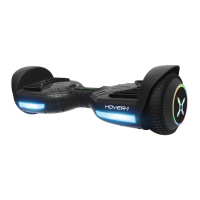
BLUETOOTH SPEAKER
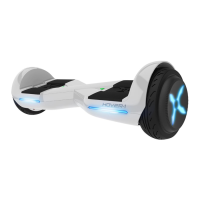
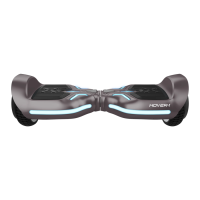
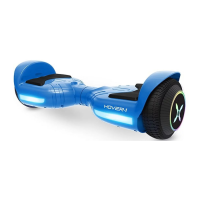
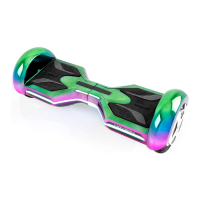
The Eclipse has a powerful built-in wireless speakers so you can play
your music while riding.
PAIRING THE SPEAKER
I ) Turn on your Eclipse and the speakers will "Ping" to announce that
it's waiting for a Bluetooth@connection. Thiswill indicate your Eclipse
speaker is now in pairing mode.
2) Place the Eclipse and the Bluetooth@device to which you would
like to pair it within the operating distance. We recommend keeping
the two devices no further than 3 feet apart during pairing.
3) Ensure Bluetooth@is enabled on your phone or music device. Refer
to manufacturer's instructions for how to enable Bluetooth@ on
your device.
4) Once you have activated Bluetooth@on your device, select the
option "HY-ECL" from the list of available Bluetooth@ devices.
5) If required, enter the PIN code '000000" and confirm the entry.
6) The Eclipse wil say "Paired" when successfully paired.
7) Please note, pairing mode on the Eclipse will last for two minutes. If
no devices are paired after two minutes, the Eclipse speaker will
automatically return to standby mode.
8) If pairing is unsocceSSfUI,turn off the Eclipse firstand re pair
following the aforementioned steps.
9) If your smart phone is out of range, or the battery is low on your
Eclipse, your speaker may disconnect from your smart device, and
the Eclipse will say "Disconnected." To reconnect, follow the
aforementioned steps, or recharge your scooter.
NOTE: Once you have paired the Eclipse speaker with a device, the
speaker wil remember this device and will pair automatically when
the device's Bluetooth@isactivated and in range. You do not need
to re-pair any previously connected devices.
Your scooter can pair up to two multi-point devices. You can
reconnect a previously paired device without going through the
pairing or PIN process on up to two devices.
LISTENING TO MUSIC
Once the Eclipse Bluetooth speaker is paired to your device, you can
stream music wire essly through it. Only one speaker will play music as
the other speaker is strictly for safety alerts from your Eclipse. Select
the track you wish to listen to on your device to listen via the speaker.
All volume and track controls will be made using your music device.
Should you encounter any problems while streaming, please refer to
your device's user manual.
7


 To Next Page