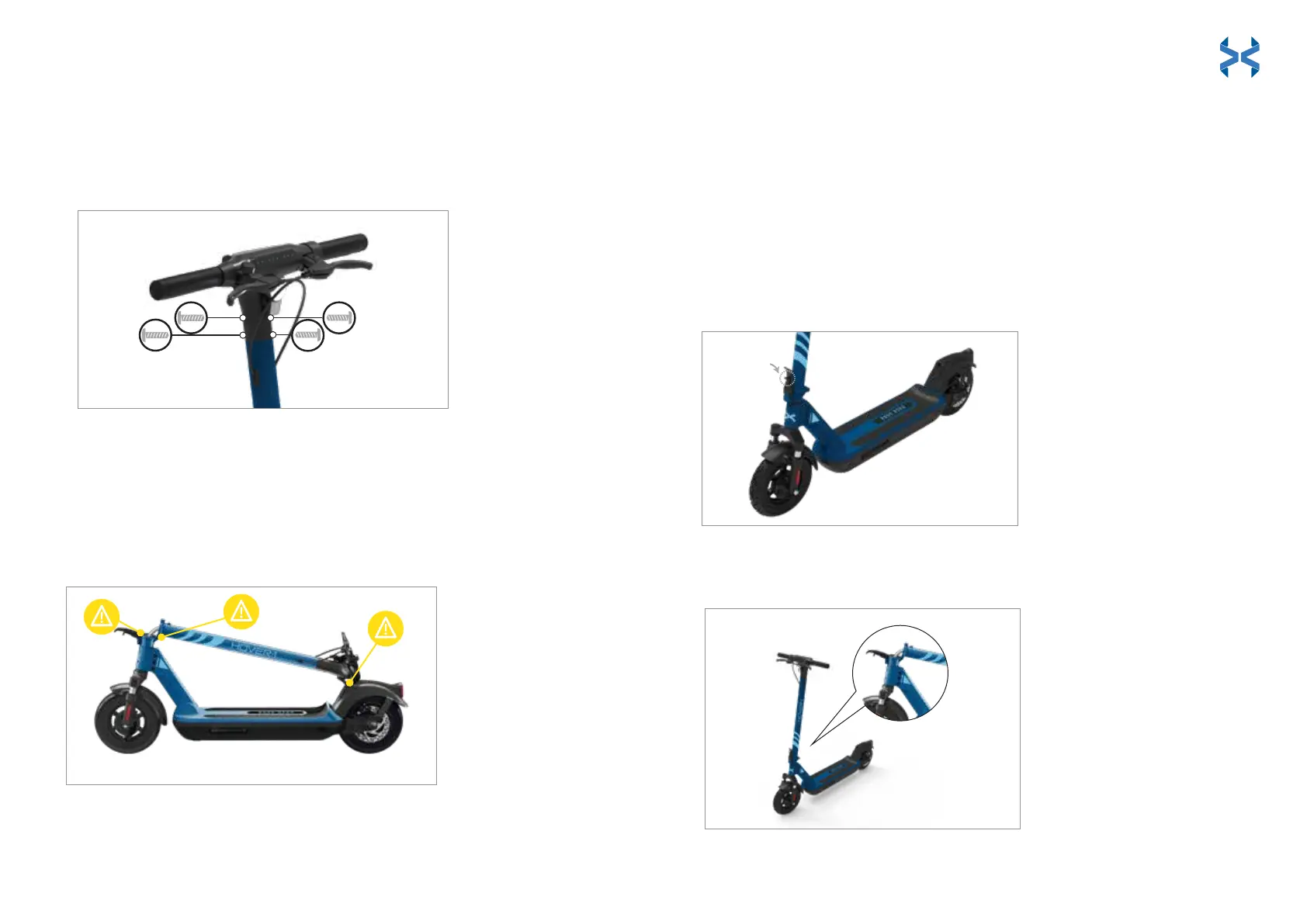
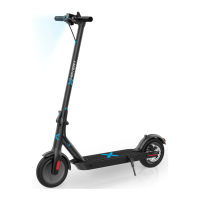
Attach the handlebar assembly by placing it into the steering column. Align
the front and back screw holes, and tighten the 4 screws into place using
the hex keys provided.
SETTING UP YOUR ESCOOTER
Attaching the Handlebar Assembly
To fold your Boss, push the folding hinge release button up and pull the
folding hinge down. Push the steering column down to the rear fender.
Align the folding hook with the slot in the rear fender and push the folding
hook into it to lock the Boss in a folded position.
To unfold your Boss, push the rear fender down to unlock the folding hook.
Raise the steering column until it is pointing straight up. Pull the folding
hinge up and press it against the steering column to ensure it is securely
locked.
Folding & Unfolding Your EScooter
Some parts of your Hover-1 Boss can injure you if mishandled.
Moving and folding parts can cut skin. Clamps and pivoting parts such as
brake levers can pinch. When folding and unfolding your Hover-1 Boss,
Please watch for pinch points where injury may be sustained. Do not leave
your hand in these areas while folding or unfolding.
Pinch Points
FOLDING
HINGE
PUSH BUTTON
ON HINGE UP
RELEASE FOLDING HINGE
TO FOLD STEERING COLUMN
15 16


 To Next Page