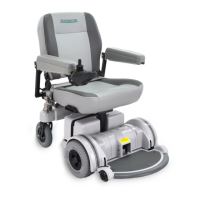
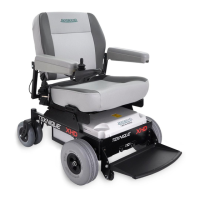
If you have a:
Flying Power FY-4101 Charger
1. Switch the power on. A light will illuminate on the output side of the charger,
indicating power is available. If the light does not go on, please check to
make sure the household power is working.
2. If the light is red, the batteries are charging.
3. If the light is green the batteries are fully charged. You can leave the charger
connected until ready for use.
4. If the batteries do not appear to be fully charged and the green light is on,
check to make sure the charger has been properly plugged into the controller
charging port and the batteries are connected.
Soneil 2409 Charger
1. When fully plugged in, the charger is ON and the indicator light will be
illumnated. If the light is not on when all connections are made, please
check to make sure the household power is working.
2. When the light is orange, the batteries are charging.
3. When the light is green, the batteries are charged.
4. Please note the charger will get hot to the touch during operation.
This is normal. Make sure delicate surfaces are protected with a pad between
the charger and the surface.
5. If the batteries do not appear to be fully charged and the green light is on,
check to make sure the charger has been properly plugged into the controller
charging port and the batteries are connected.
D82008204 REV B 1/14/04
Chapter 2
19


 To Next Page