D82008753M 10/13 Chapter 4 35
Footplate Angle Adjustment
The footplate angle can be adjusted by turning the adjustment
bolts clockwise to increase the angle and counterclockwise to
flatten or reduce the angle.
First locate the adjustment bolts on the bottom of the footplate
(see Figure 4GK below). Using a 1/4 inch hex wrench, turn the
screws in or out to achieve the desired angle. When done, make
sure both of the bolts contact the stop at the same time. This will
keep the footplate even when in the down position.
When complete, raise and lower the footplate to make sure
operation is proper before using the chair.
Figure 4J
Seat Height Adjustment
You can raise or lower the seat by loosening the locking bolt on
the corner of the seat post. Use the 1/4 inch hex wrench supplied
with the chair.
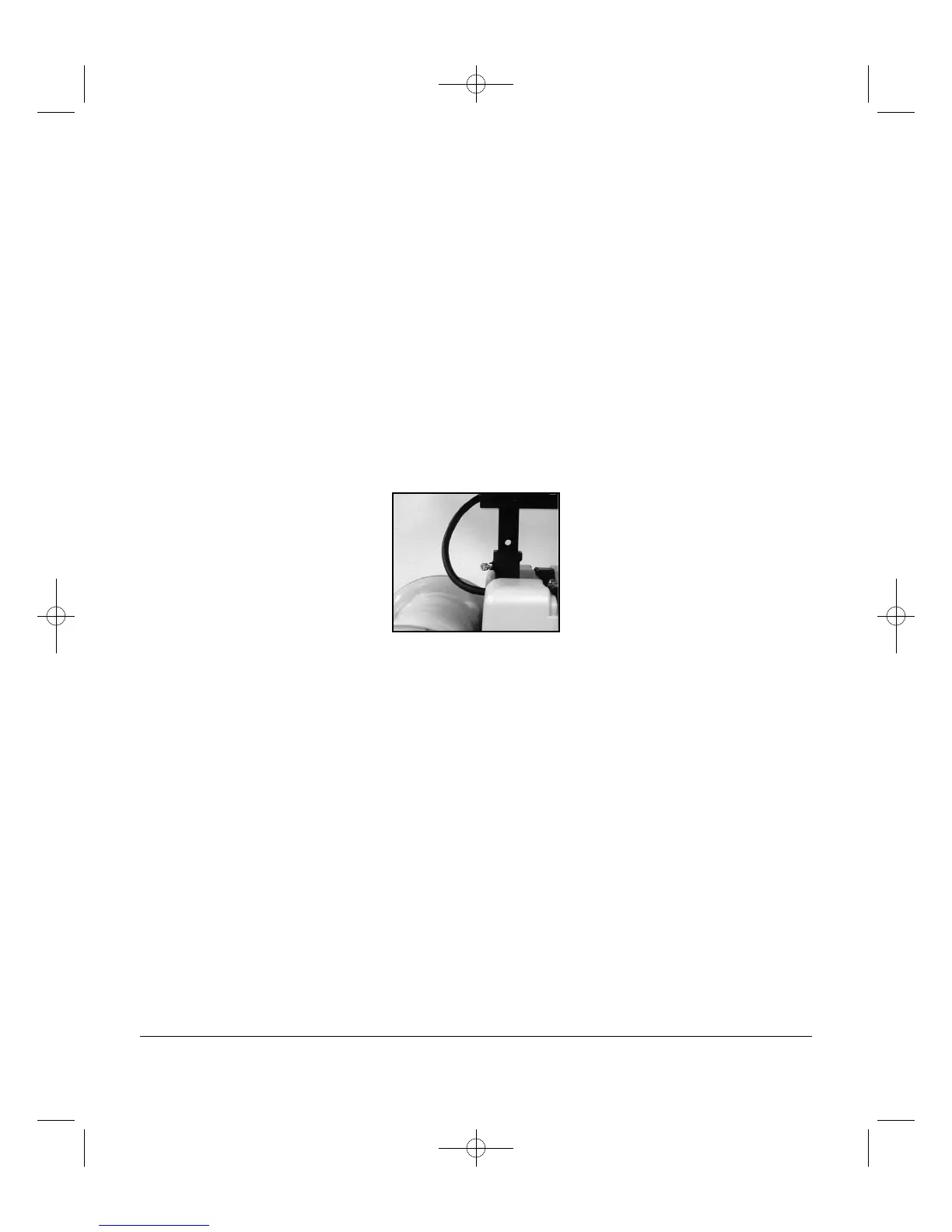
When the seat is raised, you will see holes in the seat post
(see Figure 4J below). Remove the controller from the arm and
completely remove the seat from the post. Install the pin and
collar in the desired hole.
Reinstall the seat post and tighten the locking bolt with the
1/4 inch hex wrench. Reinstall the controller on the arm.
Before using the chair, check to make sure the seat and
controller are secure and functioning properly.


 To Next Page