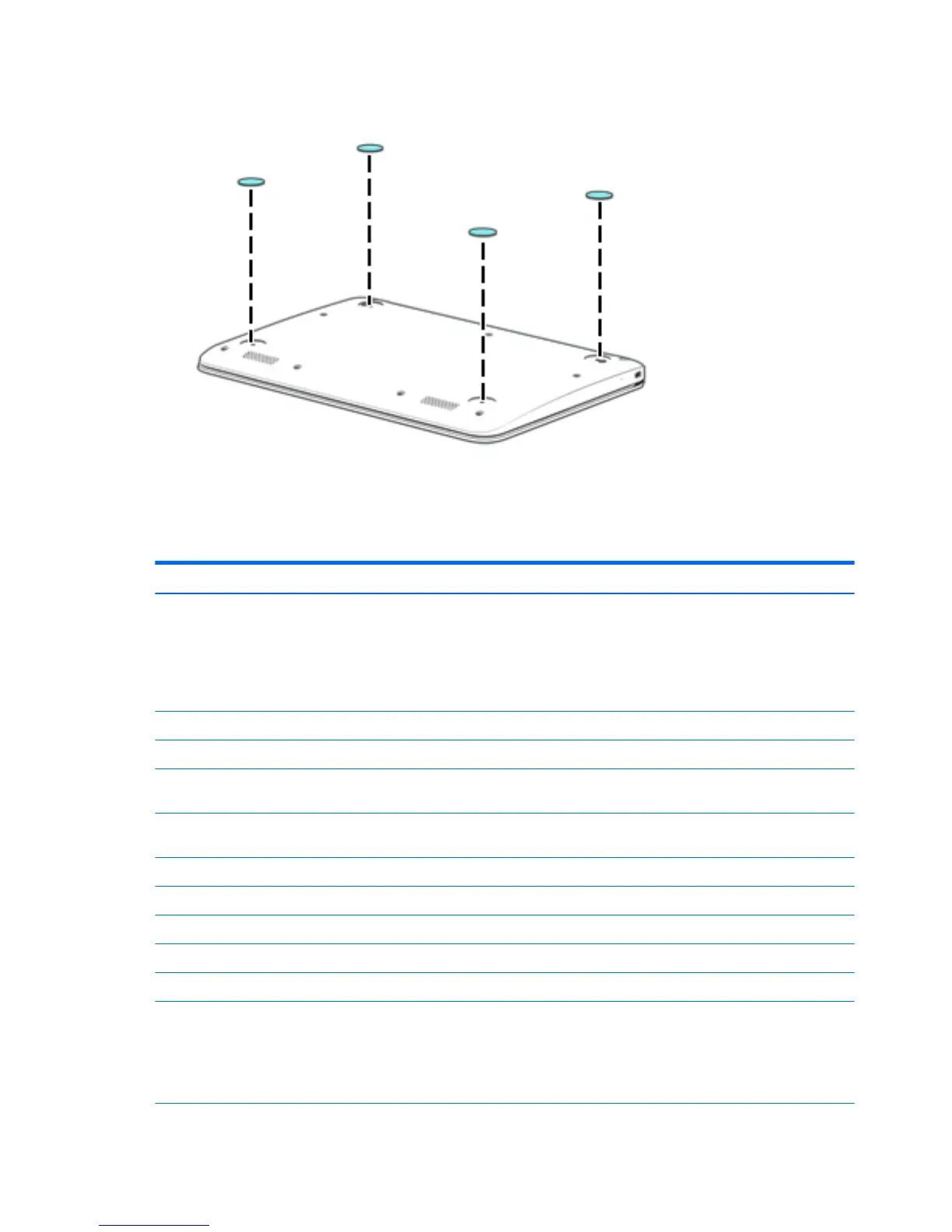
3. Remove the 4 rubber feet.
To install the rubber feet, remove the protective backing from the rubber feet and install them in
the locations indicated in the above illustration.
Keyboard/top cover
Description Spare part number Description Spare part number
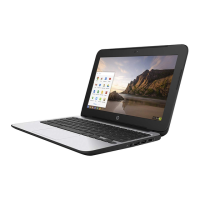
Keyboard/top cover in snow white nish for use only on
HP Chromebook 11 G4 computer models (includes
keyboard cable):
NOTE: Keyboard/top cover spare part kits with spare part
numbers 851145-xxx are only to be used with TouchPad board
spare part kit 851145-001.
For use in Latin America 788639-161
For use in Belgium 851145-A41 For use in the Netherlands 851145-B31
For use in Canada 851145-DB1 For use in Russia 851145-251
For use in the Czech Republic
and Slovenia
851145-FL1 For use in Saudi Arabia 851145-171
For use in Denmark, Finland,
and Norway
851145-DH1 For use in Spain 851145-071
For use in France 851145-051 For use in Switzerland 851145-BG1
For use in Germany 851145-041 For use in Taiwan 851145-AB1
For use in Israel 851145-BB1 For use in Thailand 851145-281
For use in Italy 851145-061 For use in the United Kingdom 851145-031
For use in Japan 851145-291 For use in the United States 851145-001
In anodized silver nish for use only on HP Chromebook
computer models equipped with WWAN capability:
NOTE: Keyboard/top cover spare part kits with spare part
numbers 822639-xxx are only to be used with TouchPad board
spare part kit 822628-001.
For use in Latin America 822639-161
24 Chapter 5 Removal and replacement procedures




 To Next Page