EasyManua.ls Logo

HP 16500A - Page 19

HP 16500A
34 pages
Print Icon
To Next Page IconTo Next Page
To Previous Page IconTo Previous Page
Loading...
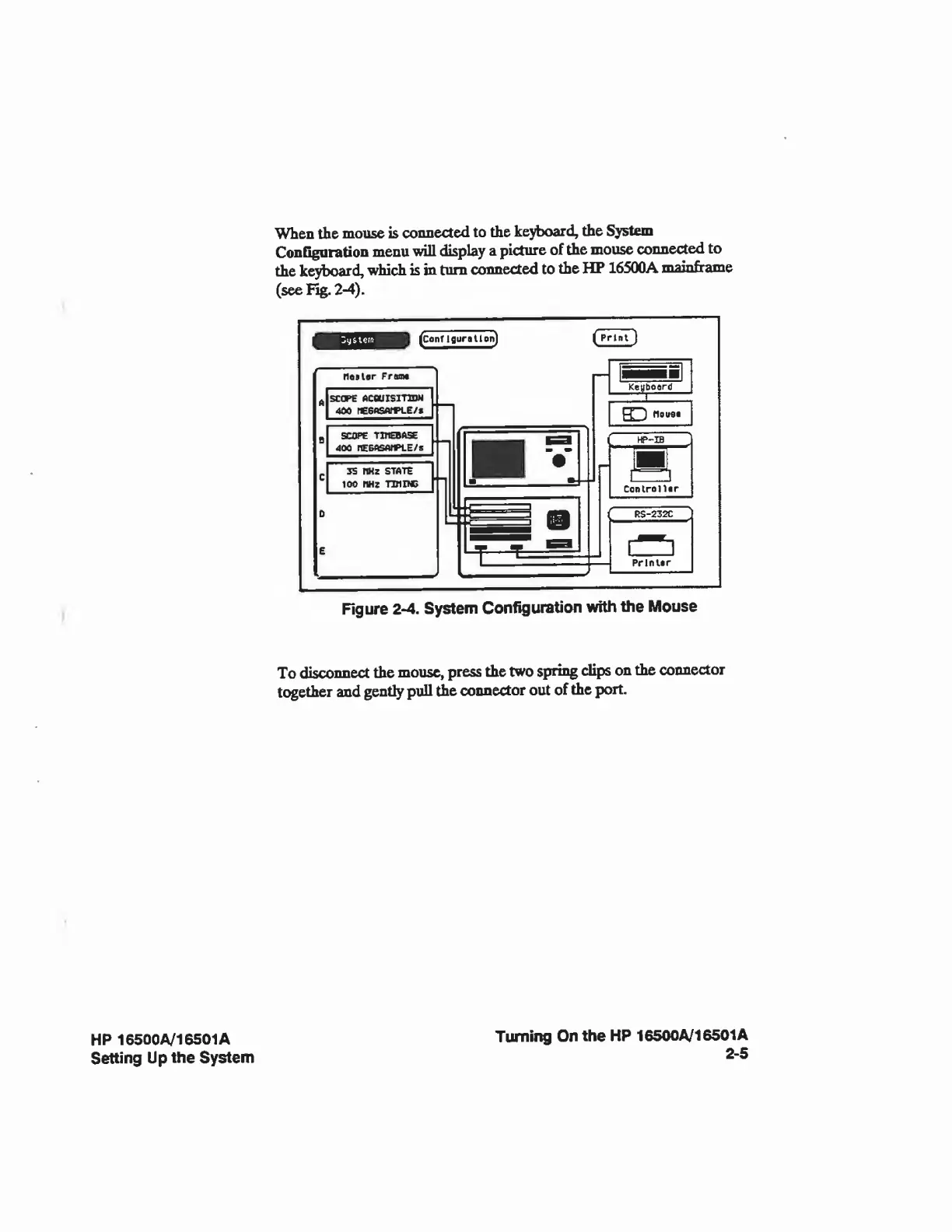
When
the
mouse
is
connected
to
the
keyboard,
the
System
Configuration
menu
will
display
a
picture
of
the
mouse
connected
to
the
keyboard,
which
is
in
turn
connected
to
the
HP
16500A
mainfr
ame
(see
Fig.
2-4),
(configuration]
rioslor
Fran*
SC
CPE
ACOIISIHDM
404
fC6*SAfl>LE/*
SCOPE
TWEBA5E
400
nE£flSAfFLE/s
35
MHz
STATE
100
nHz
TUI
PC
(Print
)
m
1
Ketfboerd
|
HC
]
flows*
HP-IB
Controller
RS-232C
PrlnUr
Figure
2-4.
System
Configuration
with
the
Mouse
To
HiwwinM*
the
mouse,
press
the
two
spring
dips
on
the
connector
together
and
gently
pull
the
connector
out
of
the
port.
HP
16500A/16501A
Setting
Up
the
System
Turning
On
the
HP
16500A/16501A
2-5

Related product manuals