1–8 Maintenance and Service Guide
Product Description
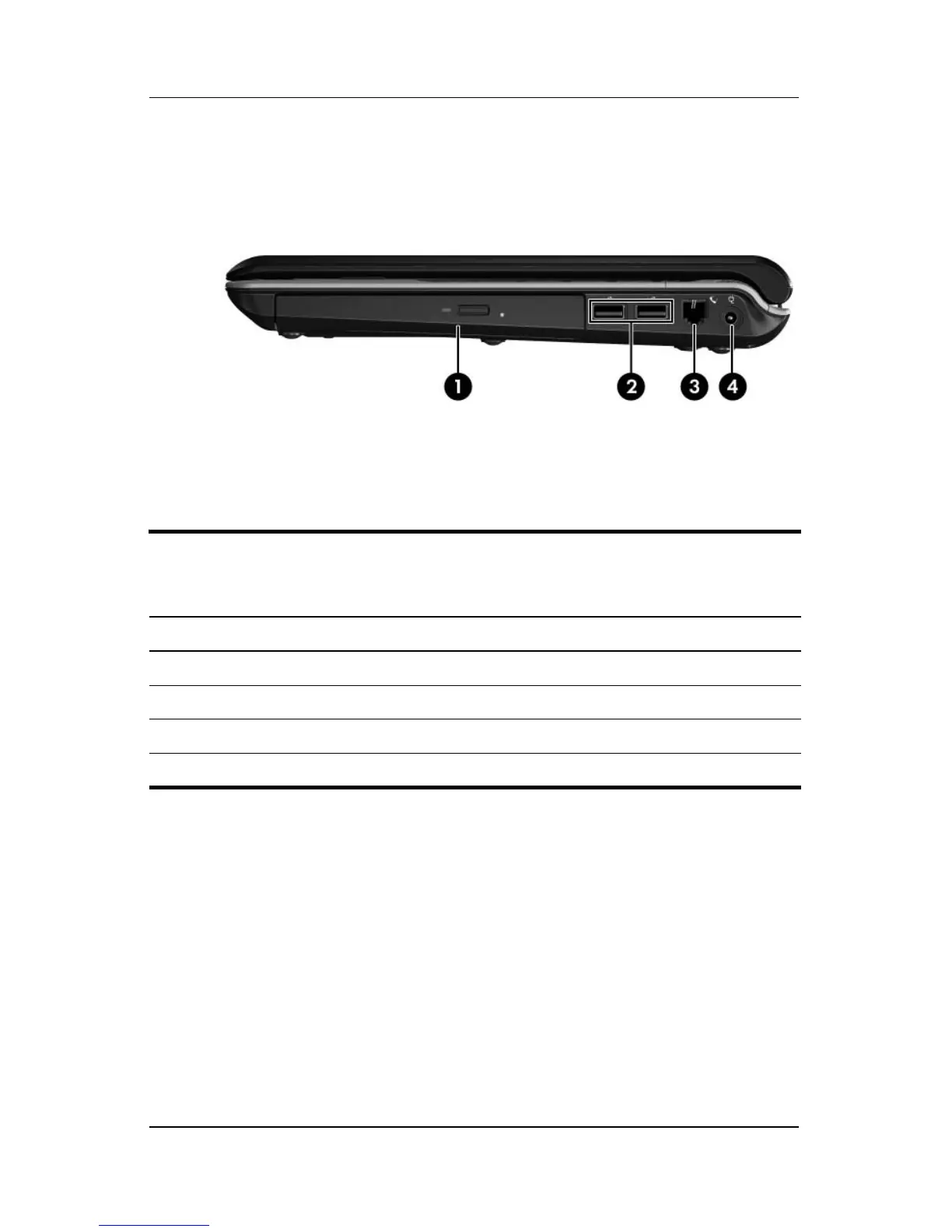
The external components on the right side of the computer are
shown below and described in Table 1-2.
Right-Side Components
Table 1-2
Right-Side Components
Item Component Function
1 Optical drive Reads an optical disc.
2 USB ports (2) Connect optional USB devices.
3 RJ-11 (modem) jack Connects a modem cable.
4 Power connector Connects an AC adapter.



 To Next Page