5–38 Maintenance and Service Guide
Removal and Replacement Procedures
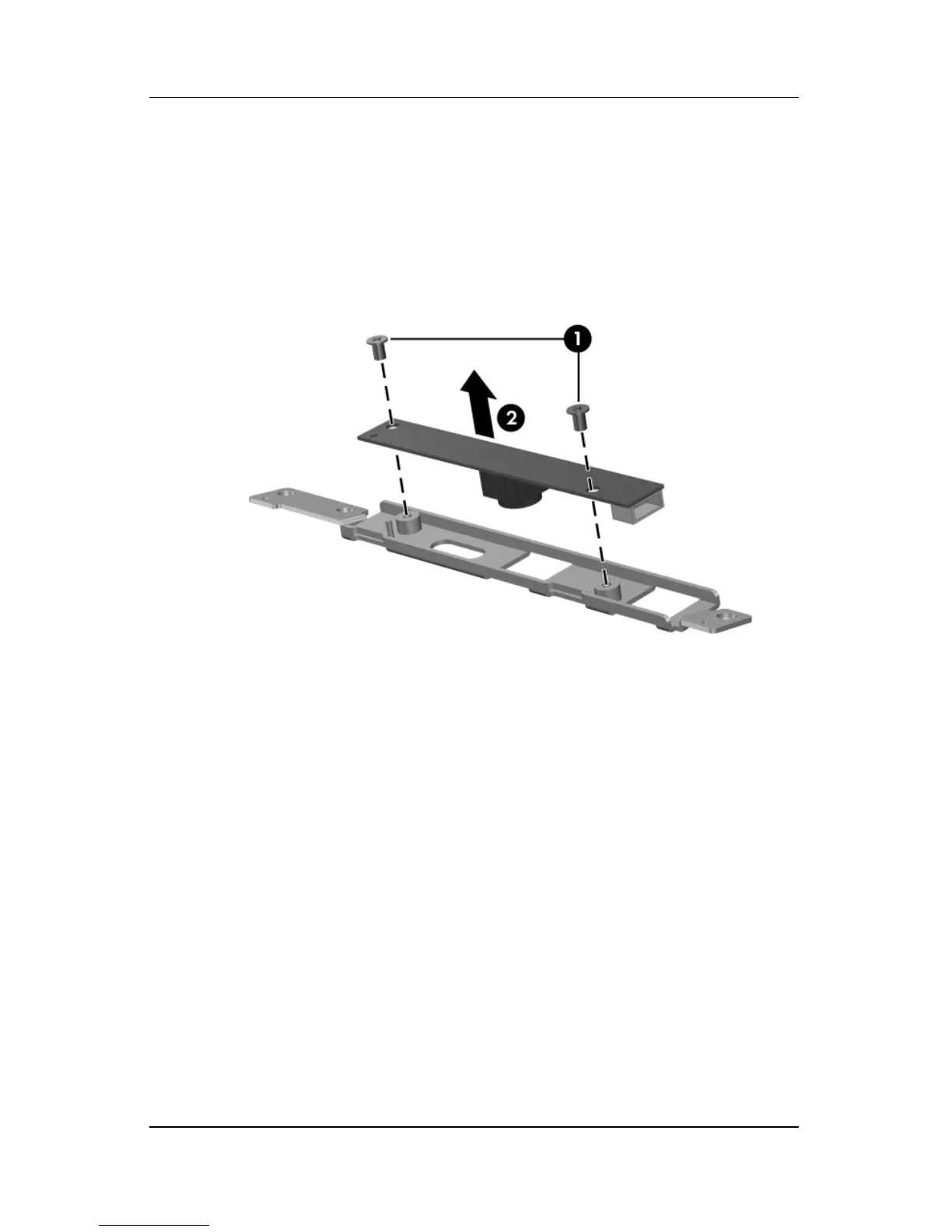
16. Turn the Web camera upside down.
17. Remove the two Phillips PM2.0×3.0 screws 1 that secure the
Web camera to the bracket.
18. Remove the Web camera 2 from the bracket.
Removing the Display Web Camera Bracket



 To Next Page