Product Description
Maintenance and Service Guide 1–17
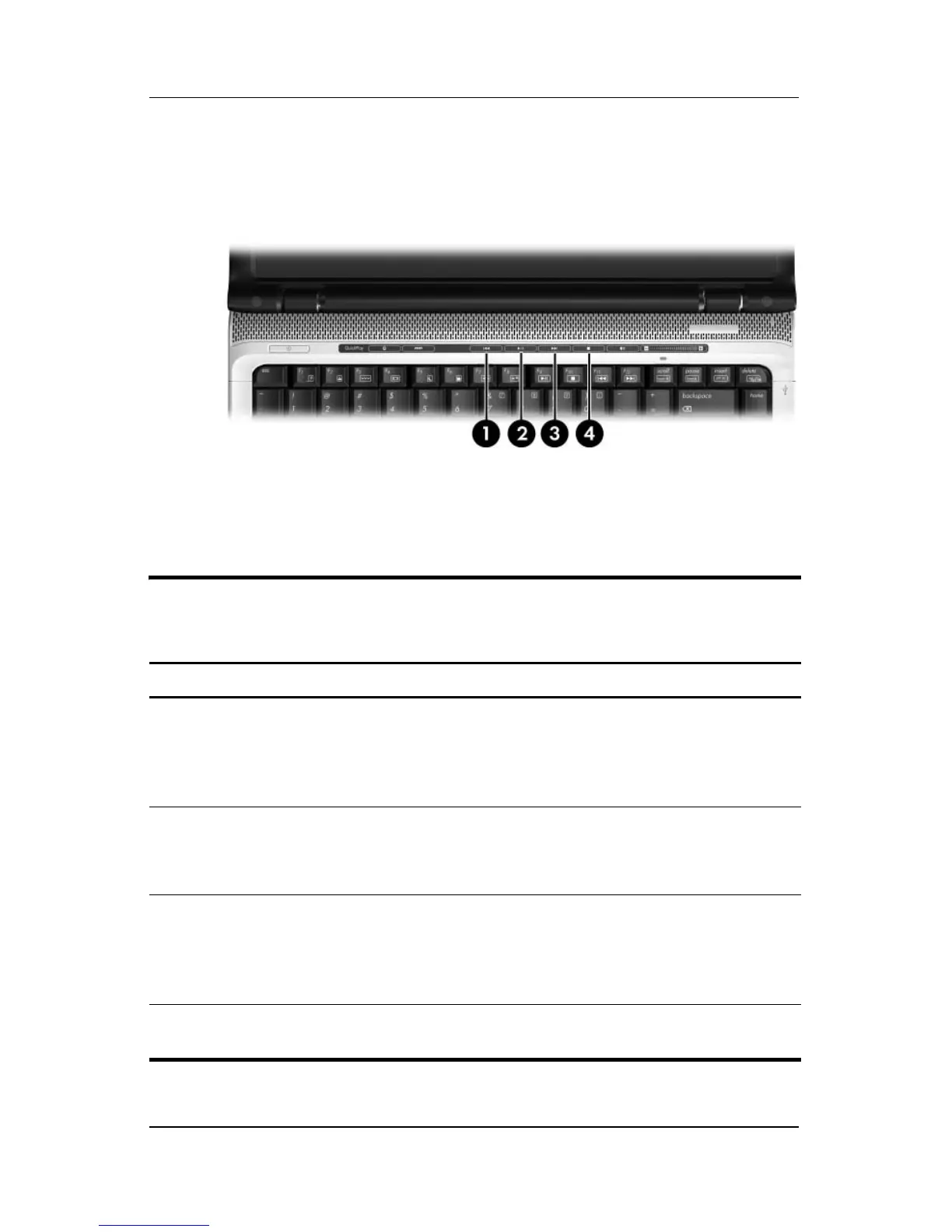
The top components on the computer are shown below and
described in Table 1-7.
Top Components, Part 3
Table 1-7
Top Components, Part 3
Item Component Function
1 Previous/Rewind
Button
When a disc is playing in the optical drive:
■ Press to play the previous track or
chapter.
■ Press fn+ this button to rewind.
2 Play/Pause button When a disc is in the optical drive and is
■ Not playing, press to play the disc.
■ Playing, press to pause the disc.
3Next/Fast Forward
button
When a disc is playing in the optical drive:
■ Press once to play the next track or
chapter.
■ Press fn+ this button to fast forward.
4 Stop button When a disc is playing in the optical drive,
press to stop the current disc activity.



 To Next Page