10 Chapter 3. Setting Up the Monitor ENWW
Adjusting the Tilt
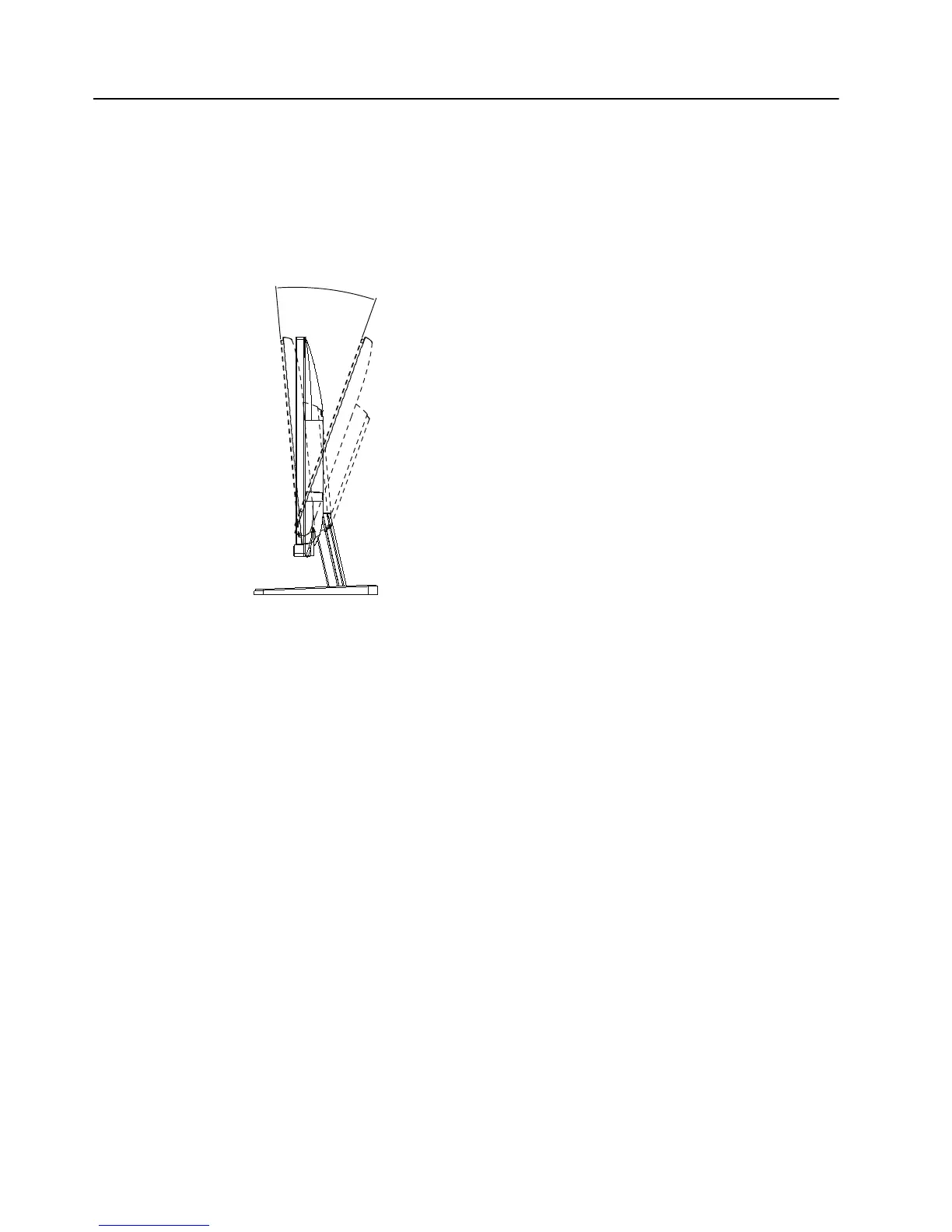
For optimal viewing, adjust the screen tilt to your own preference, as follows:
1. Face the front of the monitor and hold the base so that you do not topple the
mo
nitor while changing the tilt.
2. Adjust the tilt by moving the top edge of the mo
nitor either toward or away from
you, without touching the screen.
Figure 3-7 Tilt adjustment


 To Next Page