14 Chapter 4. Operating the Monitor ENWW
How To Adjust A Setting
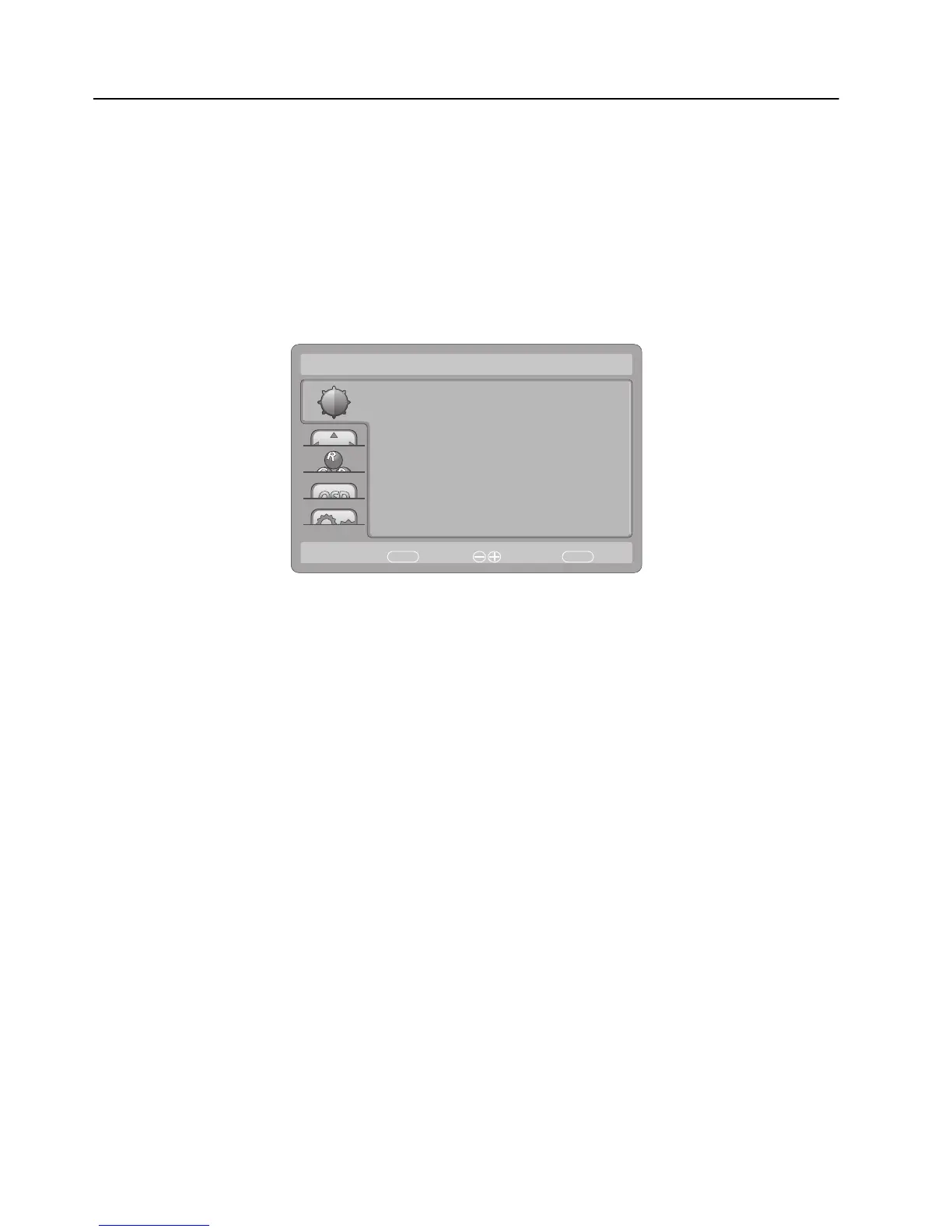
1. Press the MENU-button to display the OSD menu.
2. Press + or - to navigate through the me
nu items. Once the desired item is
highlighted, press the MENU-button to enter. Press + or - again to navigate
through the sub-menu.Once the desired item is highlighted, press MENU-button
to activate it.
3. Press + or - to adjust the setting.
4. To exit and save, press the
EXIT-button. If you would like to adjust other settings,
please repeat steps 2-3.
Luminance
Contrast
Brightness
Eco Mode
AUTO
:Exit
50
0
Standard
MENU
:Select:Move
DCR
AMA
Off
Off


 To Next Page