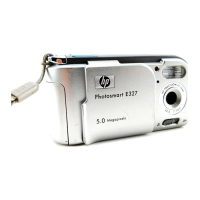
Getting started 3
Quick setup
Setting up your digital camera is quick and easy—follow these
steps and you’ll be ready to take pictures.
Step 1: Attach the wrist strap
1 Thread the short loop
through the wrist strap
attachment that is
located under the CF
memory card
compartment door. You
might need to use a
pointed object, such as
a paper clip, to pull the
end of the loop through.
2 Pull the strap through
the loop, and then pull
the knot tight.
Step 2: Install the batteries
1 Open the battery compartment door by pushing it out and then
swinging it open.
2 Insert four AA batteries (supplied), making sure that the +/–
electrodes are facing the proper direction (see the diagram on
the inside of the camera’s battery compartment).
Note For replacement, use only photo-quality alkaline,
photo-lithium, or rechargeable nickel-metal hydride
(NiMH) batteries.
SJUG.book Page 3 Tuesday, October 9, 2001 1:35 PM



 To Next Page