EasyManua.ls Logo

HP 3468A - Page 42

HP 3468A
114 pages
Print Icon
To Next Page IconTo Next Page
To Previous Page IconTo Previous Page
Loading...
MOTE
Example
XEQ)
[ALPHA]
REMOTE
[ALPHA
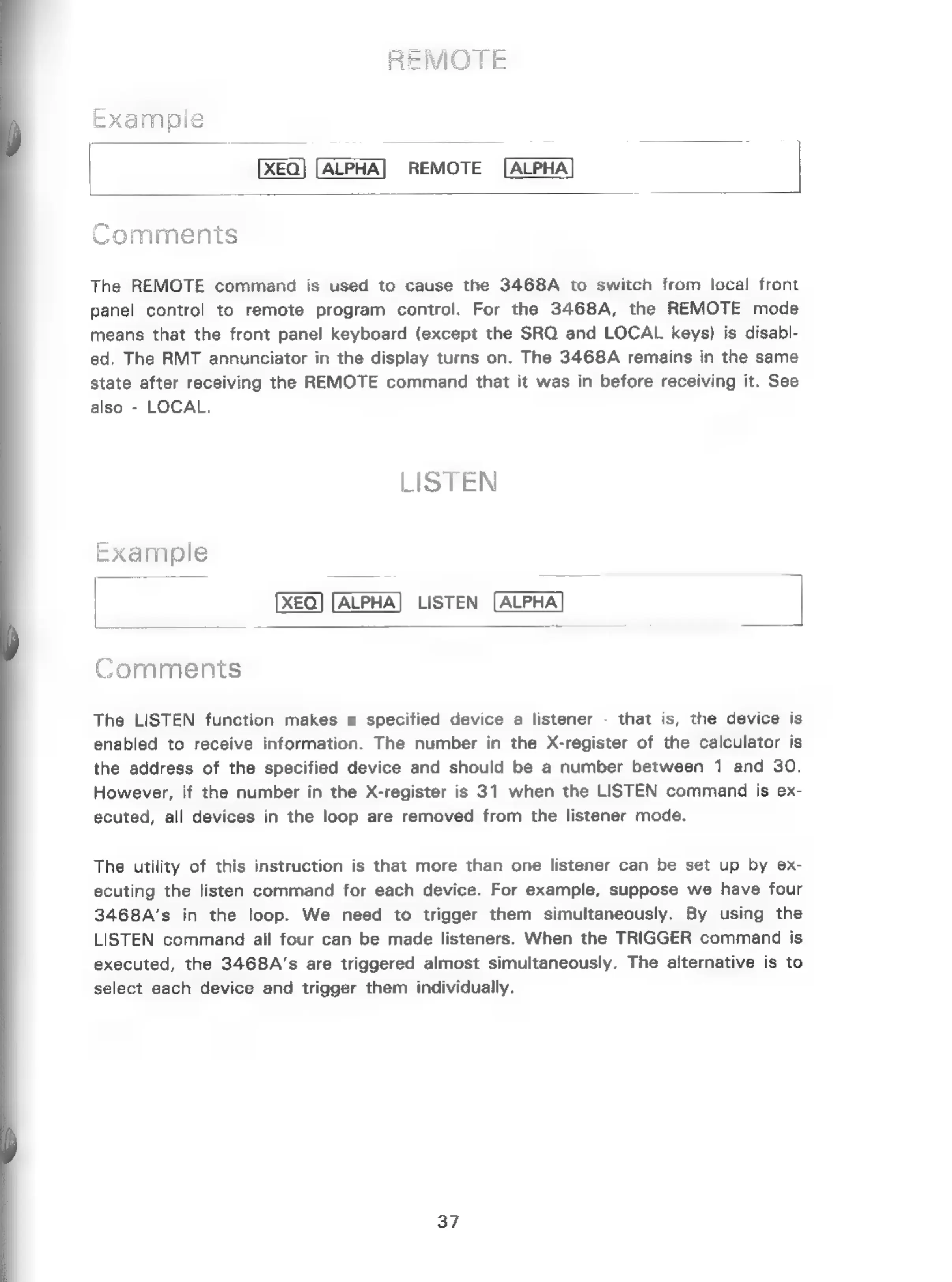
Comments
The
REMOTE
command
is
used
to
cause
the
3468A
to
switch
from
local
front
panel
control
to
remote
program
control.
For
the
3468A,
the
REMOTE
mode
means
that
the
front
panel
keyboard
(except
the
SRQ
and
LOCAL
keys)
is
disabl-
ed.
The
RMT
annunciator
in
the
display
turns
on.
The
3468A
remains
in
the
same
state
after
receiving
the
REMOTE
command
that
it
was
in
before
receiving
it.
See
also
-
LOCAL.
LISTEN
Example
LISTEN
Comments
The
LISTEN
function
makes
a
specified
device
a
listener
-
that
is,
the
device
is
enabled
to
receive
information.
The
number
in
the
X-register
of
the
calculator
is
the
address
of
the
specified
device
and
should
be
a
number
between
1
and
30.
However,
if
the
number
in
the
X-register
is
31
when
the
LISTEN
command
is
ex-
ecuted,
all
devices
in
the
loop
are
removed
from
the
listener
mode.
The
utility
of
this
instruction
is
that
more
than
one
listener
can
be
set
up
by
ex-
ecuting
the
listen
command
for
each
device.
For
example,
suppose
we
have
four
3468A’s
in
the
loop.
We
need
to
trigger
them
simultaneously.
By
using
the
LISTEN
command
all
four
can
be
made
listeners.
When
the
TRIGGER
command
is
executed,
the
3468A’s
are
triggered
almost
simultaneously.
The
alternative
is
to
select
each
device
and
trigger
them
individually.
37

Related product manuals