EasyManua.ls Logo

HP 3468A - Initial Inspection and Preparation

HP 3468A
114 pages
Print Icon
To Next Page IconTo Next Page
To Previous Page IconTo Previous Page
Loading...
nitial
Inspection
Your
3468A
was
carefully
inspected
before
it
left
the
factory.
It
should
be
free
of
mars
or
scratches
and
in
proper
working
order
upon
receipt.
You
should,
however,
inspect
the
instrument
for
any
damage
that
may
have
occurred
in
transit.
If
the
shipping
container
or
cushioning
material
is
damaged,
it
should
be
kept
until
the
contents
of
the
shipment
have been
checked
for
completeness
and
the
instrument
has
been
mechanically
and
electrically
inspected.
Procedures
for
checking
the
elec-
trical
performance
of
the
3468A
are
given
in
the
3468A
SERVICE
MANUAL
(-hp-
part
number
03468-90001).
If
there
is
any
mechanical
damage
or
the
contents
are
incomplete,
or
the
instrument
does
not
pass
its
performance
tests,
notify
the
nearest
Hewlett-Packard
office
(a
list
of
the -hp-
Sales
and
Service
Offices
is
located
in
the
back
of
this
manual).
If
the
shipping
container
is
damaged,
or
the
cushioning
material
shows
signs
of
stress,
notify
the
carrier
as
well
as
the
Hewlett-Packard
office.
Save
the
shipping
materials
for
the
carrier.
Preparation
for
Use
Power
Requirements
The
3468A
Digital
Multimeter
requires
a
power
source
of
100,
120,
220,
or
240
Vac
(-10%,
+5%),
48
Hz
to
440
Hz
single
phase.
Maximum
power
consump-
tion
is
25
VA.
Line
Voltage
Selection
Refer
to
the
rear
panel
of
the
3468A
for
the
line
voltage
option
label.
Make
cer-
tain
that
the
option
marked
on
the
label
is
the
same
as
the
nominal
line
voltage
for
your
area.
Also
check
the
left
most
switch
(50/6Q0Hz
switch)
for
the
proper
set-
ting,
i.e.,
up
for
50Hz
and
down
for
6OHz.
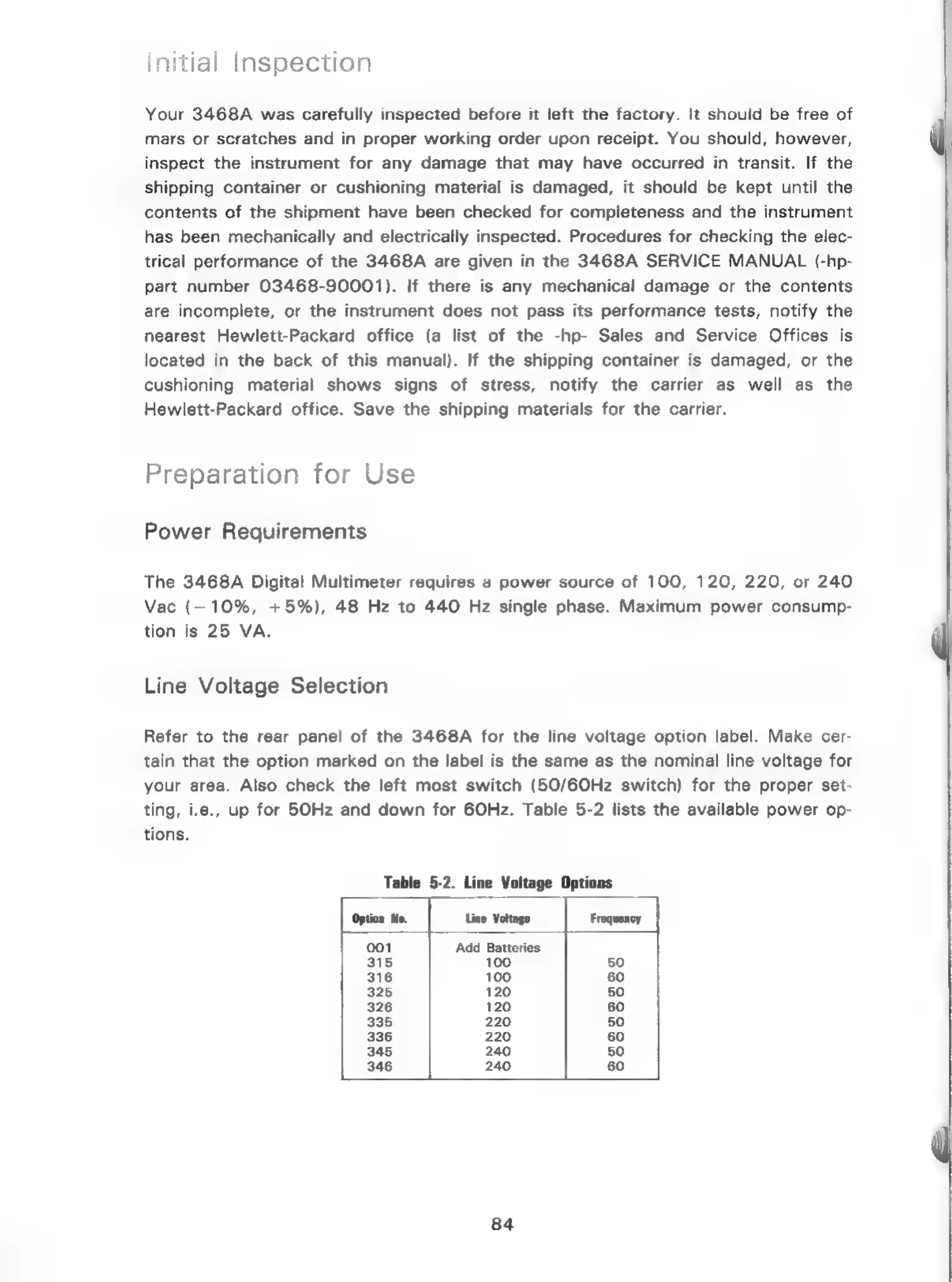
Table
5-2
lists
the
available
power
op-
tions.
Table
5-2.
Line
Voltage Options
84

Related product manuals