EasyManua.ls Logo

HP 3468A - Page 9

HP 3468A
114 pages
Print Icon
To Next Page IconTo Next Page
To Previous Page IconTo Previous Page
Loading...
Before
applying
ac
power
to
the
3468A,
check
the
rear
panel
line
voltage
option
label
to
be
certain
the
instrument
is
set
for
the
nominal
line
voltage
in
your
area.
If
necessary,
refer
to
the
installation
information
in
Chapter
V.
As
you
press
the
line
switch,
carefully
watch
the
display
as
the
3468A
goes
through
a
complete
inter-
nal
self
test.
DISPLAY
RESULT
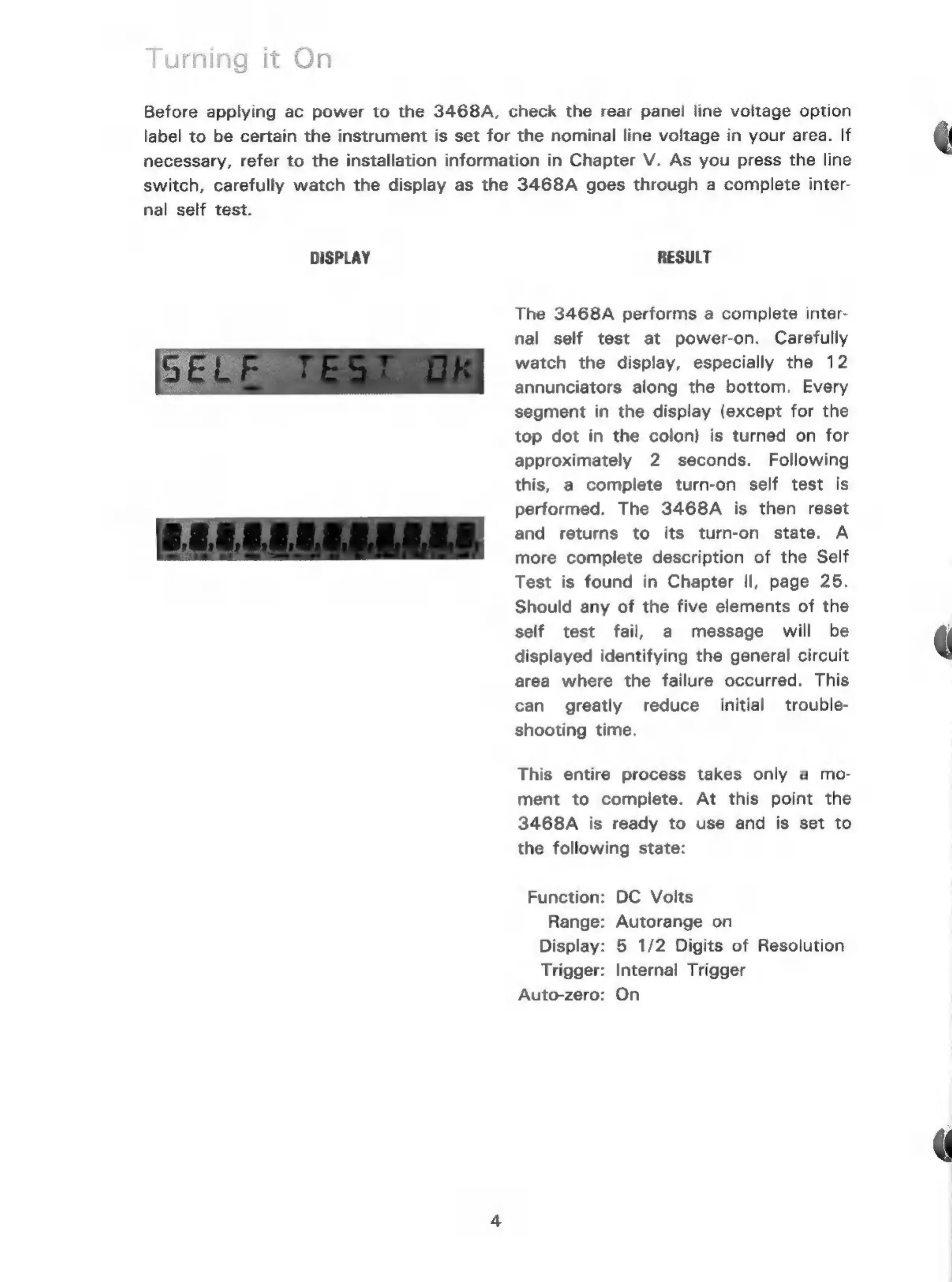
The
3468A
performs
a
complete
inter-
nal
self
test
at
power-on.
Carefully
watch
the
display,
especially
the
12
annunciators
along
the
bottom.
Every
segment
in
the
display
(except
for
the
top
dot
in
the
colon)
is
turned
on
for
approximately
2
seconds.
Following
this,
a
complete
turn-on
self
test
is
performed.
The
3468A
is
then
reset
and
returns
to
its
turn-on
state.
A
more
complete
description
of
the
Self
Test
is
found
in
Chapter
Il,
page
25.
Should
any
of
the
five
elements
of
the
self
test
fail,
a
message
will
be
displayed
identifying
the
general
circuit
area
where
the
failure
occurred.
This
can
greatly
reduce
initial
trouble-
shooting
time.
This
entire
process
takes
only
a
mo-
ment
to
complete.
At
this
point
the
3468A
is
ready
to
use
and
is
set
to
the
following
state:
Function:
DC
Volts
Range:
Autorange
on
Display:
5
1/2
Digits
of
Resolution
Trigger:
Internal
Trigger
Auto-zero:
On

Related product manuals