EasyManua.ls Logo

HP 3468A - Troubleshooting Common Issues

HP 3468A
114 pages
Print Icon
To Next Page IconTo Next Page
To Previous Page IconTo Previous Page
Loading...
“A”
terminal
to
rotate
the
terminal
counterclockwise.
The
terminal
and
fuse
will
protrude
from
the
front
panel.
Remove
the
terminal
and
fuse,
replace
the
fuse
with
a
3A/250V
rated
fuse,
-hp-
part
number
2110-0003.
Return
the
terminal
and
fuse
to
the
front
panel.
Power
Line
Fuse
The
power
line
fuse
is
located
on
the
rear
panel
of
the
3468A
and
should
be
replaced
only
be
qualified
service
trained
personnel.
In
Case
of
Trouble
If
at
any
time
you
suspect
that
the
3468A
is
malfunctioning,
perform
the
self
test
as
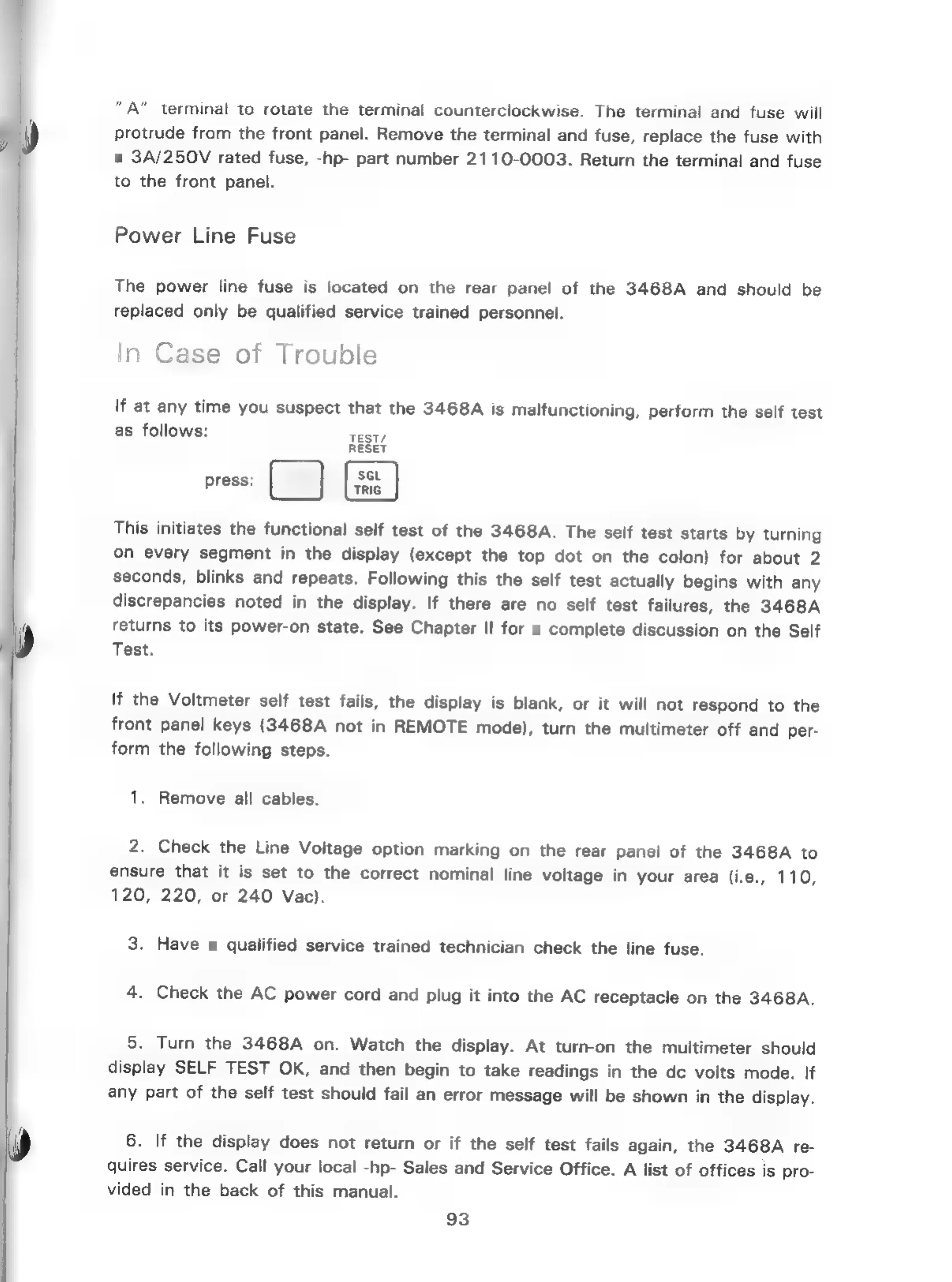
follows:
press:
ee
This
initiates
the
functional
self
test
of
the
3468A.
The
self
test
starts
by
turning
on
every
segment
in
the
display
(except
the
top
dot
on
the
colon)
for
about
2
seconds,
blinks
and
repeats.
Following
this
the
self
test
actually
begins
with
any
discrepancies
noted
in
the
display.
If
there
are
no
self
test
failures,
the
3468A
returns
to
its
power-on
state.
See
Chapter
II
for
a
complete
discussion
on
the
Self
Test.
lf
the
Voltmeter
self
test
fails,
the
display
is
blank,
or
it
will
not
respond
to
the
front
panel
keys
(3468A
not
in
REMOTE
mode),
turn
the
multimeter
off
and
per-
form
the
following
steps.
1,
Remove
all
cables.
2.
Check
the
Line
Voltage
option
marking
on
the
rear
panel
of
the
3468A
to
ensure
that
it
is
set
to
the
correct
nominal
line
voltage
in
your
area
(i.e.,
110,
120,
220,
or
240
Vac).
3.
Have
a
qualified
service
trained
technician
check
the
line
fuse.
4.
Check
the
AC
power
cord
and
plug
it
into
the
AC
receptacle
on
the
3468A.
5.
Turn
the
3468A
on.
Watch
the
display.
At
turn-on
the
multimeter
should
display
SELF
TEST
OK,
and
then
begin
to
take
readings
in
the
de
volts
mode.
If
any
part
of
the
self
test
should
fail
an
error
message
will
be
shown
in
the
display.
6.
If
the
display
does
not
return
or
if
the
self
test
fails
again,
the
3468A
re-
quires
service.
Call
your
local
-hp-
Sales
and
Service
Office.
A
list
of
offices
is
pro-
vided
in
the
back
of
this
manual.
93

Related product manuals