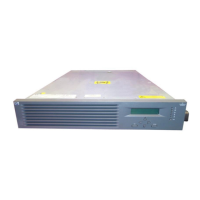
HP BladeSystem c3000 Enclosure – Racks
HP BladeSystem c3000 Enclosure – RacksHP BladeSystem c3000 Enclosure – Racks
HP BladeSystem c3000 Enclosure – Racks
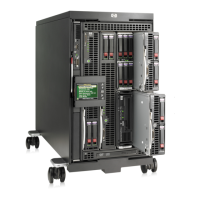
HP BladeSystem c3000 Enclosure – Tower
HP BladeSystem c3000 Enclosure – TowerHP BladeSystem c3000 Enclosure – Tower
HP BladeSystem c3000 Enclosure – Tower
1.
Device Bay 1
1.
Device Bay 1
2.
Device Bay 2
2.
Device Bay 2
3.
Device Bay 3
3.
Device Bay 3
4.
Device Bay 4
4.
Device Bay 4
5.
Device Bay 5
5.
Device Bay 5
6.
Device Bay 6
6.
Device Bay 6
7.
Device Bay 7
7.
Device Bay 7
8.
Device Bay 8
8.
Device Bay 8
NOTE:
NOTE:NOTE:
NOTE:
Half-height server blades should be populated from the bottom half of the enclosure, in the following order (bays 1, 5, 2, 6,
3, 7, 4, & 8)
Full-height server blade bay numbering
Full-height server blade bay numberingFull-height server blade bay numbering
Full-height server blade bay numbering
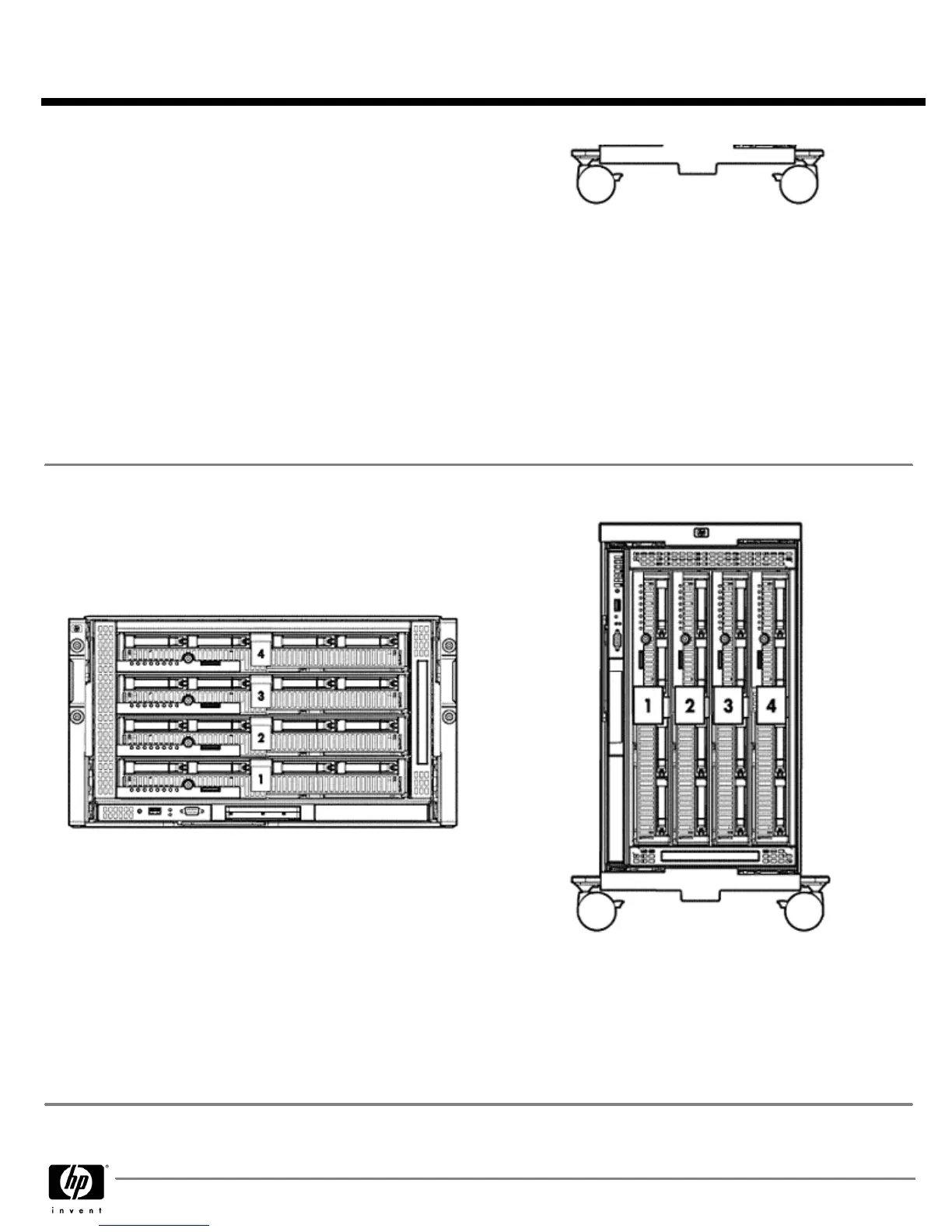
HP BladeSystem c3000 Enclosure – Racks
HP BladeSystem c3000 Enclosure – RacksHP BladeSystem c3000 Enclosure – Racks
HP BladeSystem c3000 Enclosure – Racks
HP BladeSystem c3000 Enclosure – Tower
HP BladeSystem c3000 Enclosure – TowerHP BladeSystem c3000 Enclosure – Tower
HP BladeSystem c3000 Enclosure – Tower
1.
Device Bay 1
1.
Device Bay 1
2.
Device Bay 2
2.
Device Bay 2
3.
Device Bay 3
3.
Device Bay 3
4.
Device Bay 4
4.
Device Bay 4
NOTE:
NOTE: NOTE:
NOTE:
Full-height servers should be populated from the bottom to the top (bays 1 thru 4). With four fans, only the bottom 2 bays
can be used; with six fans, all bays can be used.
QuickSpecs
HP BladeSystem c3000 Enclosure
HP BladeSystem c3000 EnclosureHP BladeSystem c3000 Enclosure
HP BladeSystem c3000 Enclosure
Technical Specifications
DA - 12790 Worldwide — Version 12 — July 14, 2008
Page 33


 To Next Page