CAUTION: Make sure the printer wheels are locked (the brake lever is pressed down) to prevent
the printer from moving.
1.
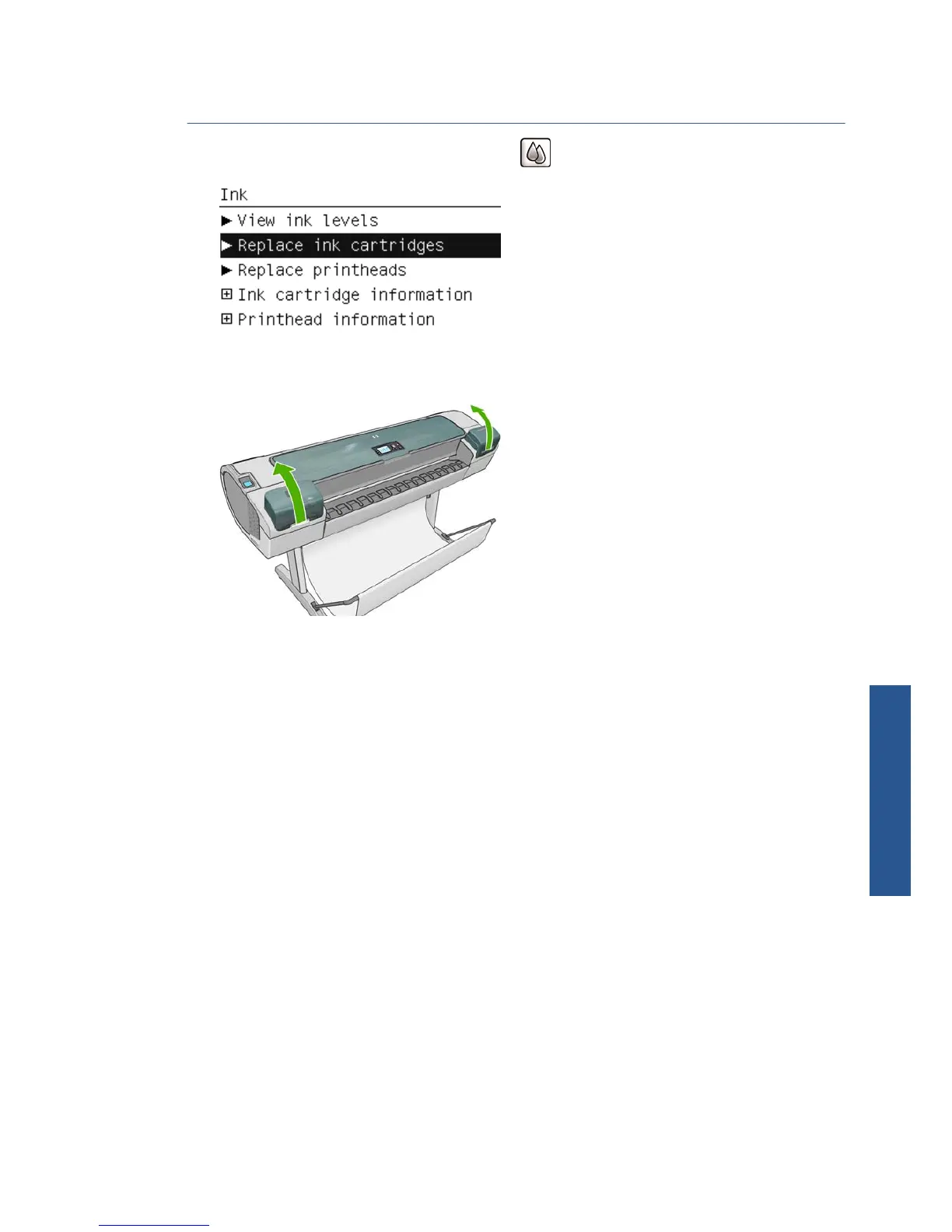
From the front panel, select the Ink menu icon
, then Replace ink cartridges.
2. Open the ink cartridge cover completely. Magenta and yellow are in the left side, while light
magenta, light cyan, photo black, light gray, matte black and cyan are in the right side.
3. Grip the cartridge you wish to remove.
ENWW Remove an ink cartridge 107
Ink and printheads



 To Next Page