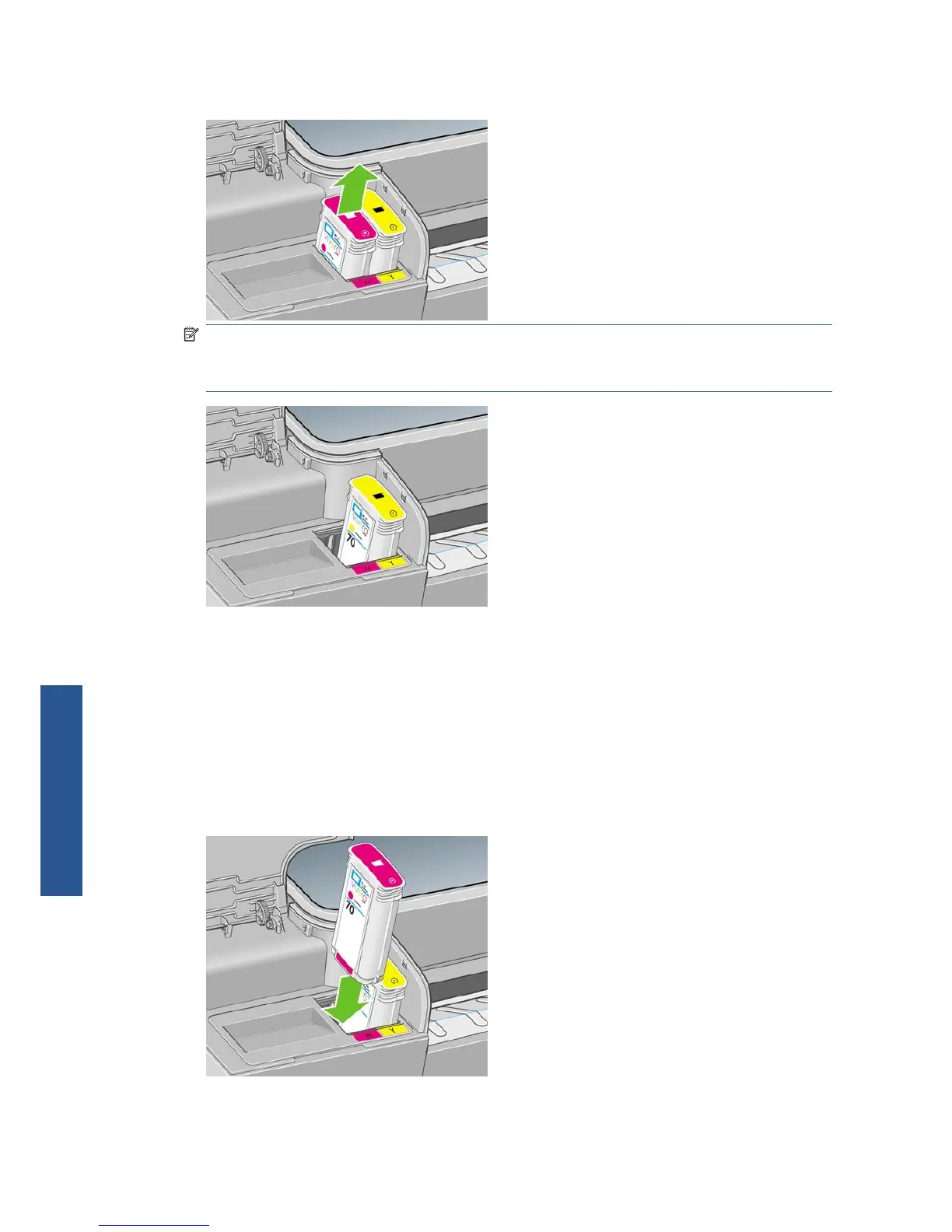
4. Pull the cartridge straight up.
NOTE: Avoid touching the end of the cartridge that is inserted into the printer, as there may be
ink on the connection.
NOTE: Avoid storing partially used ink cartridges.
5. The front-panel display identifies the missing ink cartridge.
Insert an ink cartridge
1. Before removing the cartridge from its wrapping, shake it vigorously.
2. Unwrap the new ink cartridge, find the label identifying the ink color. Check that the letter or
letters (in these illustrations, M for magenta) marking the empty slot, matches the letter or letters
on the cartridge label.
3. Insert the ink cartridge into its slot.
108 Chapter 9 Handling ink cartridges and printheads ENWW
Ink and printheads



 To Next Page