General advice
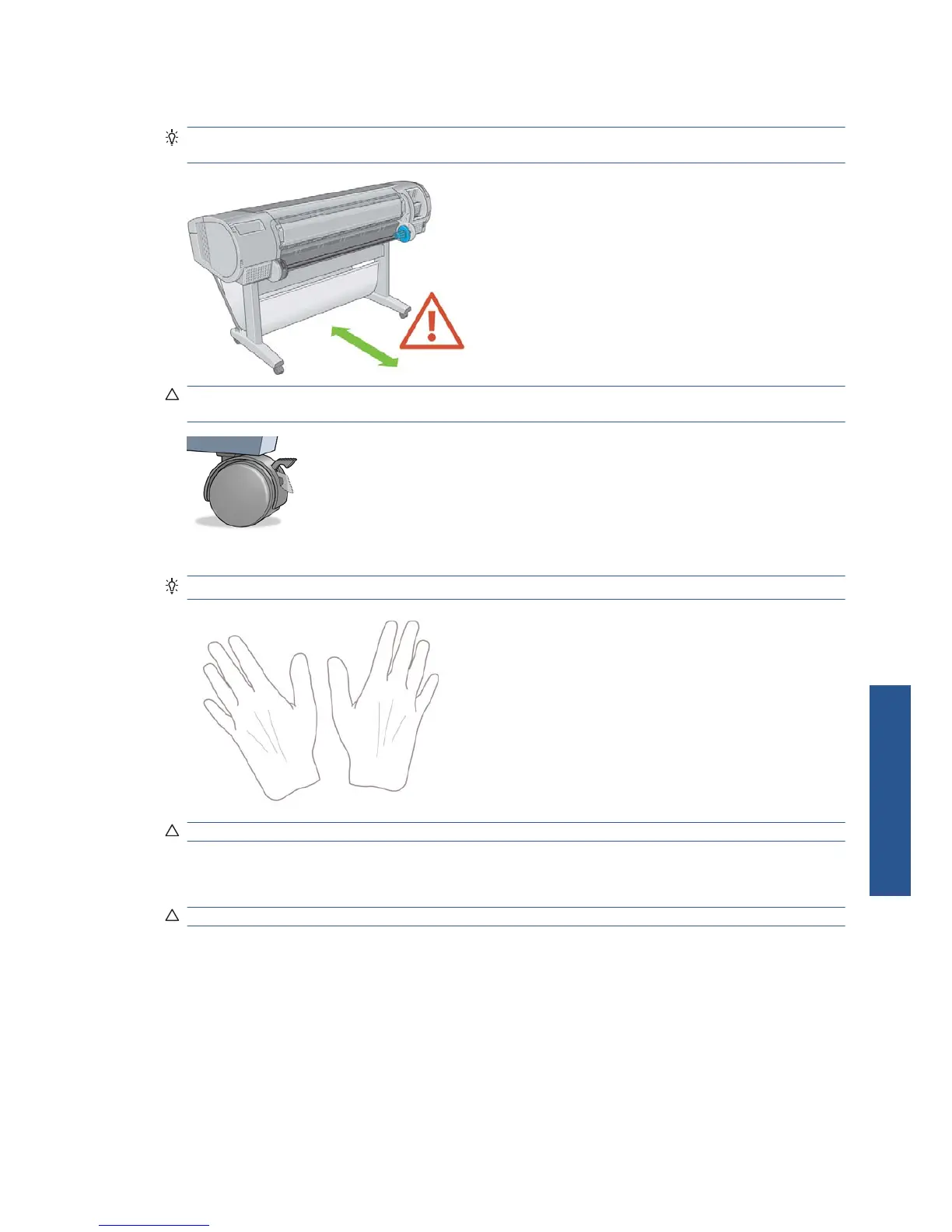
TIP: Before starting a paper loading process, make sure you have enough room around the printer,
both in front and behind.
CAUTION: Make sure the printer wheels are locked (the brake lever is pressed down) to prevent
the printer from moving.
All paper must be 280 mm (11 in) or longer. A4 and US Letter paper cannot be loaded landscape.
TIP: For photo paper wear cotton gloves to avoid transferring oils onto the paper.
CAUTION: Keep the basket closed throughout the loading process.
Load a roll onto the spindle
CAUTION: Ensure the sheet tray is closed.
ENWW General advice 25
Paper handling



 To Next Page