Easy loading procedure
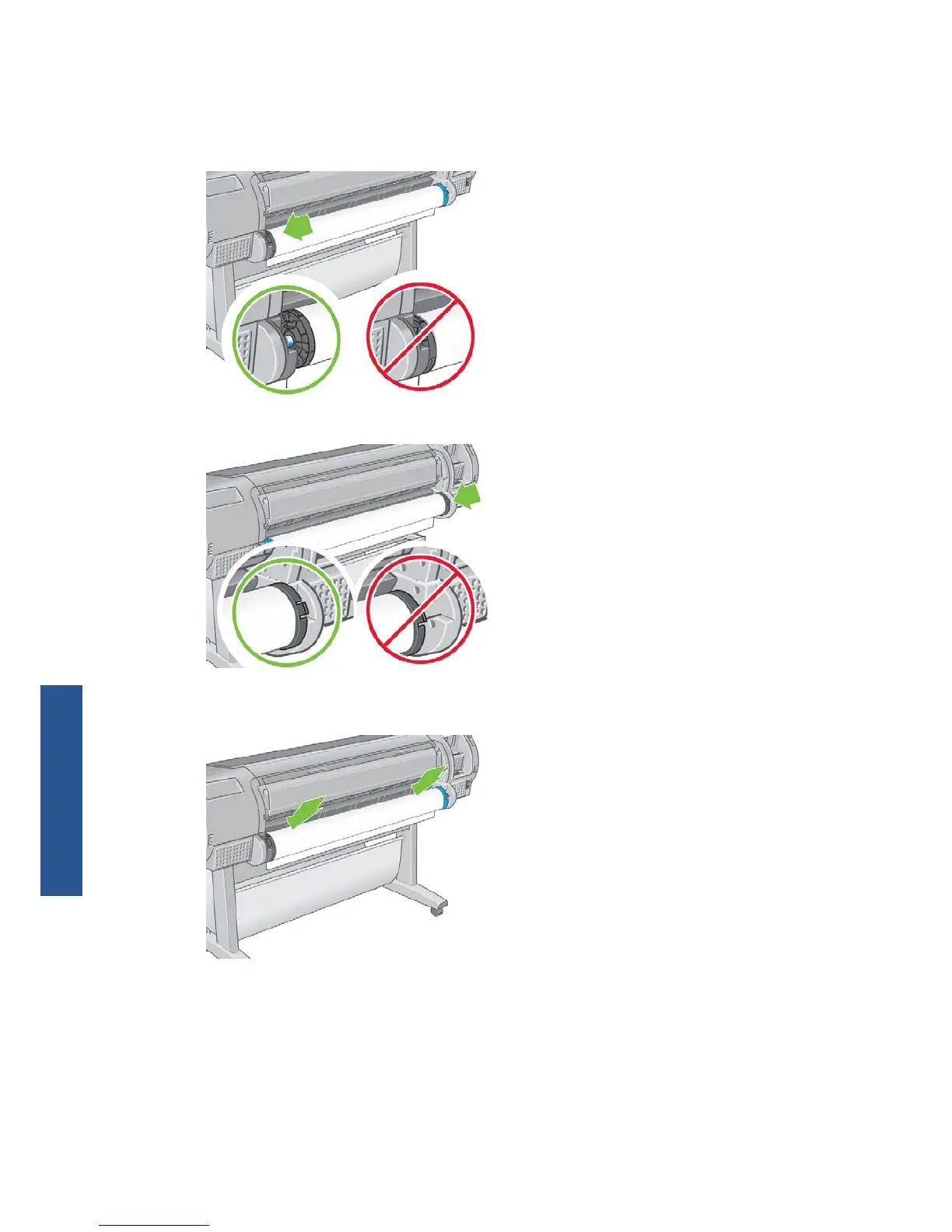
1. Standing behind the printer, rest the spindle's black end on the left side roll holder. Do not put
the end completely into the roll holder.
2. Rest the blue end of the spindle on the right side roll holder.
3. With both hands, push the spindle into both roll holders at the same time. The spindle snaps into
place.
28 Chapter 4 Paper handling ENWW
Paper handling



 To Next Page