16
No
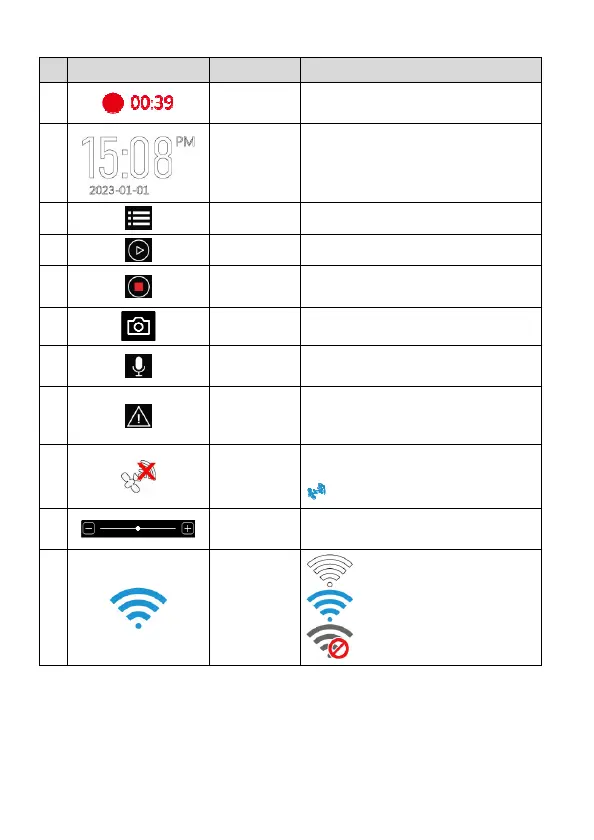
icon Item Description
1
Recording
Duration
Indicates the video current duration.
2
Date / Time
Indicates the current recording date
and time.
3
Menu Menu set up.
4
Playback File playback.
5
Start/Stop
Record
Start/stop video recording.
6
Photo Take snapshot
7
Voice
Record
Turn on/off voice recording.
8
Emergency
Recording
During video recording, touch this icon
to start emergency recording and lock
the file.
9
GPS Status
If install optional GPS, when GPS is
positioned, the icon will turn to blue
.
10
Screen
Brightness
To adjust screen brightness
11
Wi-Fi
Wi-Fi on, not connected
Wi-Fi on, connected
Wi-Fi off



 To Next Page