18
3.2 GPS (Option)
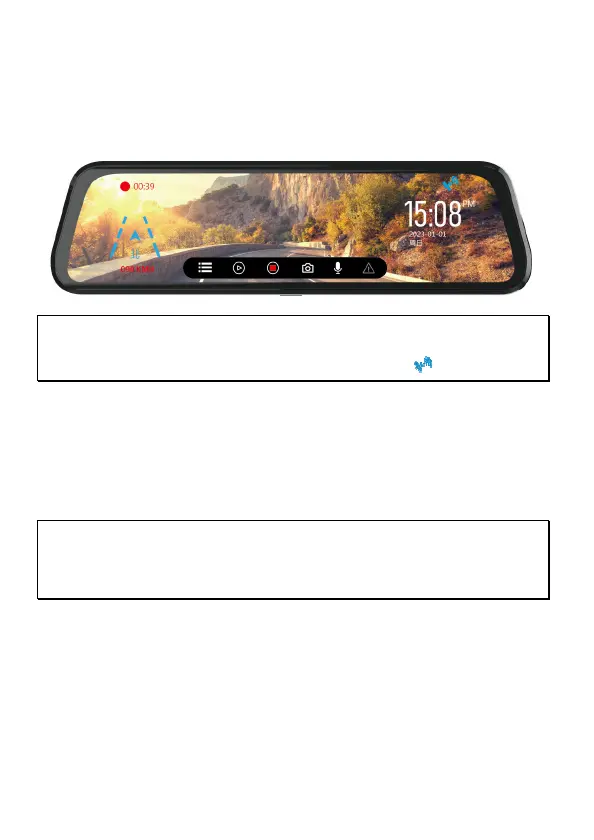
Plug the optional GPS accessory into GPS port on the camcorder, you can
preview current car speed and direction such information.
Note:
1. GPS function is limited in certain areas. Please contact dealer for details.
2. When GPS is positioned, the icon will change from white to blue .
3.3 Rear Camera (Option)
Plug the phone jack of rear cam into A/V hole on the camcorder, and hide
and install the cable well. When installation is done, power on the front
camera, then you are ready to use dual-cam recording.
Note:
1. Rear camera doesn’t support hot plug-n-play. Please power off the main camcorder
before plug into rear camera.
2. Finger slide the screen to switch preview image for front or rear camera.



 To Next Page