28
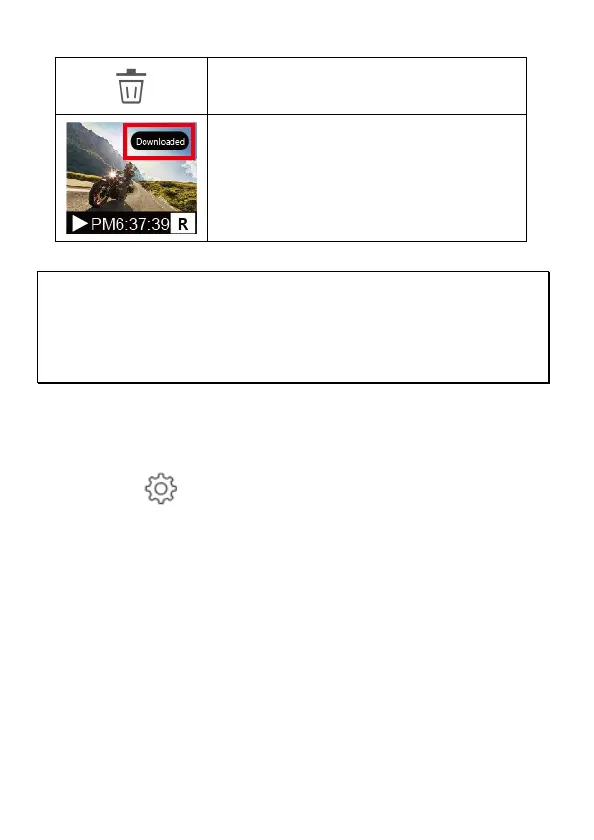
Delete the file in microSD card.
Downloaded file will show
“Downloaded” in thumbnail image.
Note:
1. If you find the video playback without audio, please check if you turn on Voice Record on the Setting. If
you do turn it on, it means the smart phone itself doesn’t support the video decoding. It’s not the
problem of the file. We recommend you to install a free app software such as VLC to playback the file.
2. Deleted files cannot be recovered. Ensure the files have been backed-up before deletion.
3.More files to be read or downloaded, you are recommended to take out microSD card from camcorder
and use computer.
4.3.3 Camera Setting
You can use this feature to set up most of your car camcorder options.
1. Tap icon [Camera Setting].
2. Refer to the below table for details of menu items and available menu
options.



 To Next Page