17
3.1.3 Emergency Recording
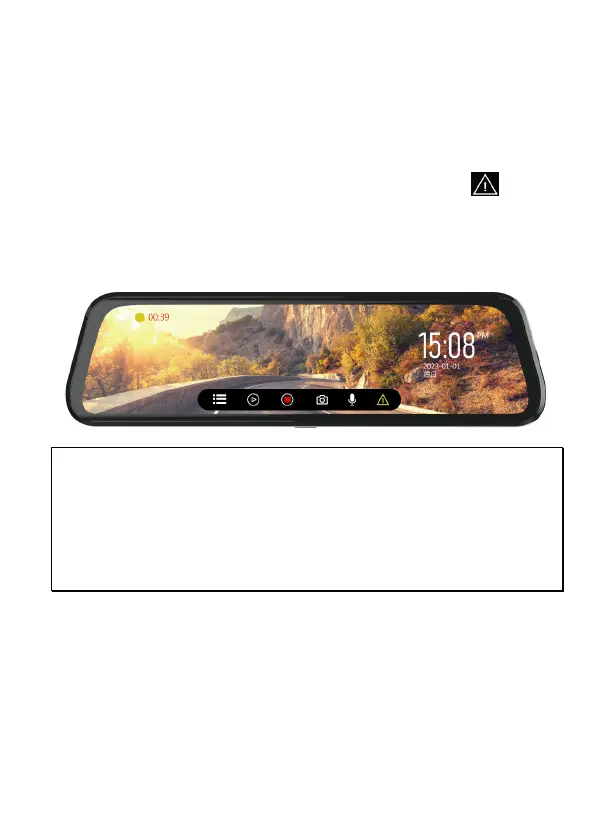
This Car Camcorder is equipped with a G-Force sensor. If the G-sensor
function is enabled, when collision is detected, the camcorder will
automatically trigger the Emergency Recording feature. The yellow dot on
left top screen corner will blink. The emergency recording files will not be
overwritten by the normal loop recording files.
To manually initiate the emergency recording feature, tap icon during
the normal recording function.
The file length of emergency is as same as interval time of normal loop
recording. Once it reaches setting time, the camcorder will resume to
normal loop recording.
Note:
1. The sensitivity of G-sensor can be adjusted in the Menu. Enter Menu and select
[Collision Detection] to adjust Off, Low sensitivity, Middle sensitivity, High sensitivity. If
choose Off, the camcorder will not activate auto emergency recording.
2. The emergency file is created as a new file and saved in Emergency folder, which will
be protected to avoid being overwritten by normal loop recording.
3. The Emergency folder will occupy 20% of available memory card capacity. When the
space is full, it will overwrite the oldest emergency files.



 To Next Page