25
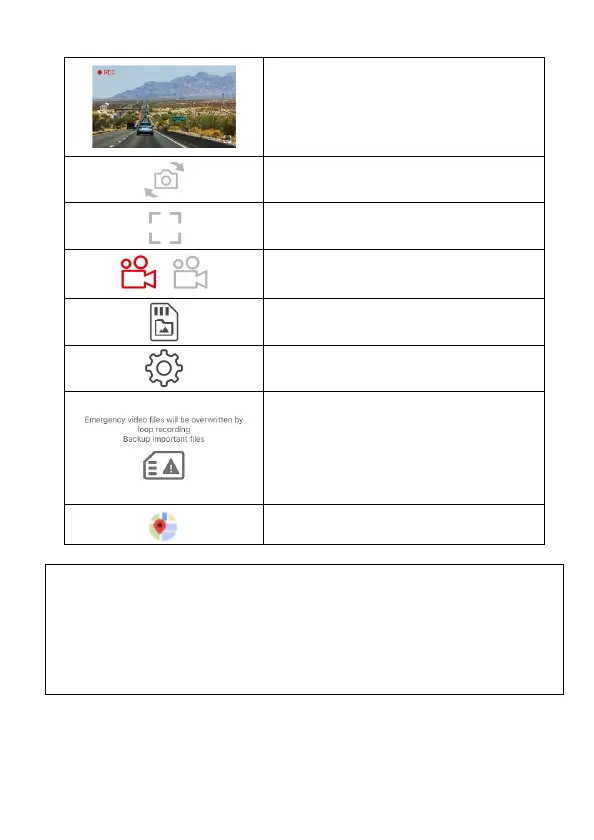
Preview screen
Switch front and rear camera preview
image
Full screen display
/
Start/Stop recording
Camera File (check the files in microSD)
Camera Setting
To remind the emergency files in the
microSD card is about to be full and
going to over write the oldest files.
Backup the files and clear up the
emergency folder, and this message
will be gone.
Map
NOTE:
1. The camcorder will synchronize date/time with smart phone once open the app.
2. App’s interface or feature may differ from app versions. Please refer to the latest
version downloaded from Google Play Store or iOS App Store.
3. Android phone please download “Google Offline Map” in advance. Follow the steps:
Update or download the latest version of Google Map open Google Map app Tap
the User Portrait icon on the top Tap “Offline Maps” Tap ”SELECT YOUR OWN MAP”
Select the area that you want to download Tap “DOWNLOAD”.



 To Next Page