8
2. Turn on your iPAQ Pocket PC by pressing the power button,
then insert it into the USB Synchronization Cradle/Charger.
Note: If you are turning on the iPAQ Pocket PC for the first time,
use your stylus to press the Reset Button on the left, side panel to
turn on the unit.
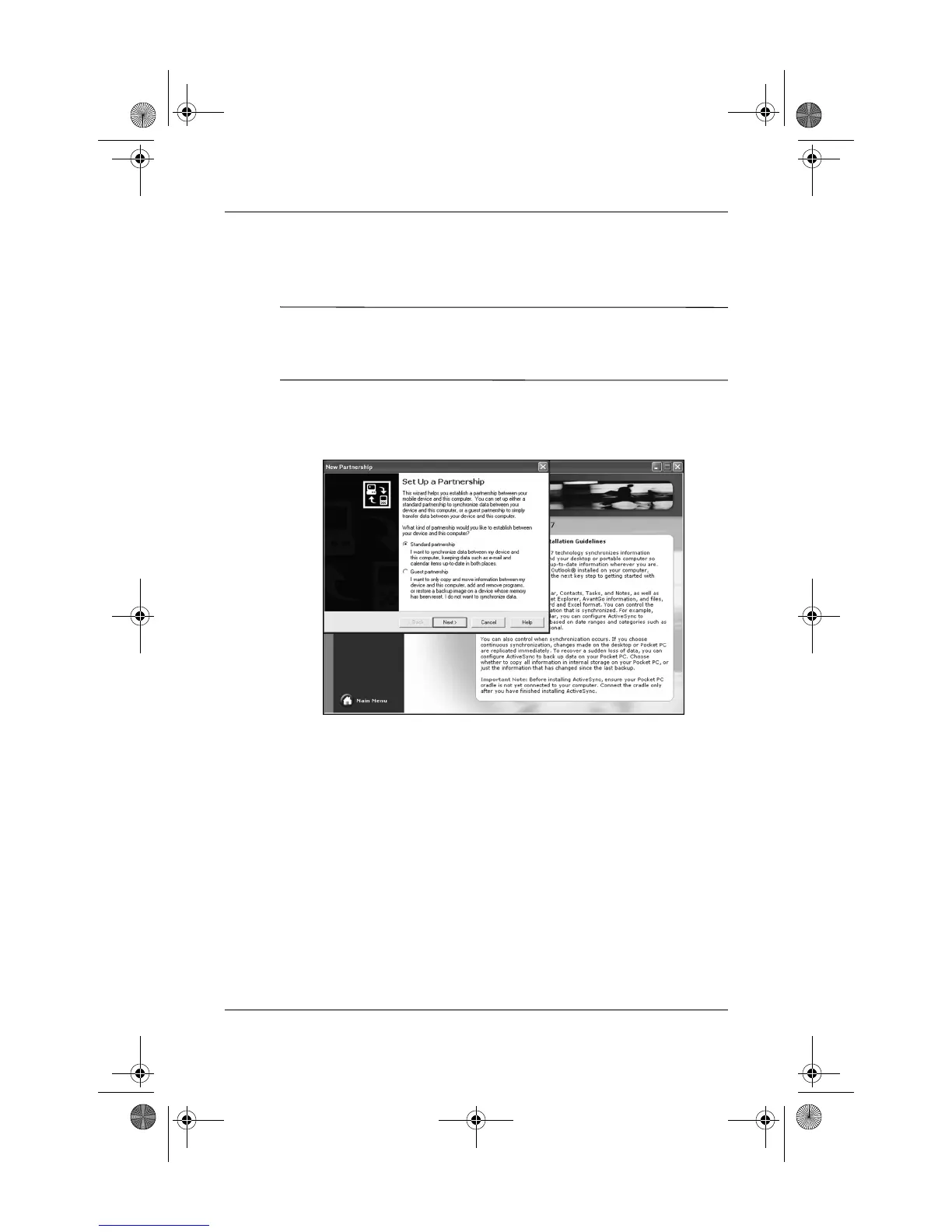
3. When the Set Up a Partnership screen is displayed, select
Standard Partnership and click Next.
360338-xx1 Onyx How Do I.book Page 8 Wednesday, June 23, 2004 1:34 PM



 To Next Page
 Loading...











