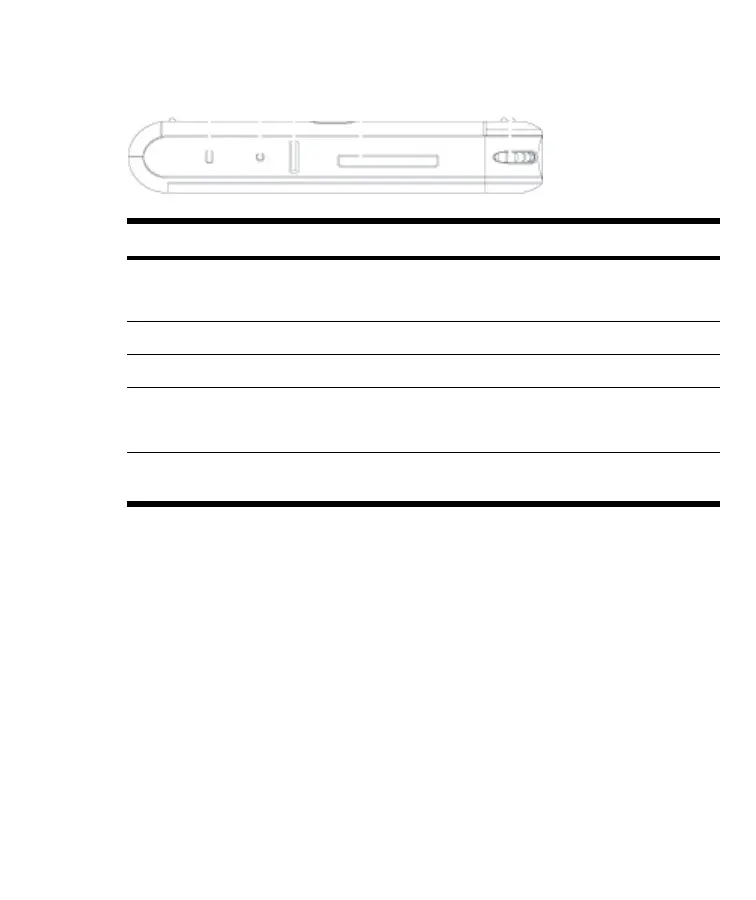
Top Components
Component Function
(1) Wireless LED Indicator
●
Blue LED—Wi-Fi or Bluetooth is on.
●
LED off—Wi-Fi or Bluetooth is off.
(2) Reset Button Press to perform a soft reset of your HP iPAQ.
(3) Record Button Press to record voice or sound.
(4) SD Slot Insert a Secure Digital (SD) storage card for data
storage or a Secure Digital Input/Output card (SDIO)
card to extend the functionality of your HP iPAQ.
(5) Scroll Wheel Roll the scroll wheel to move through documents and
Web pages. Press the scroll wheel to make a selection.
4 HP iPAQ Product Information Guide ENWW





 To Next Page