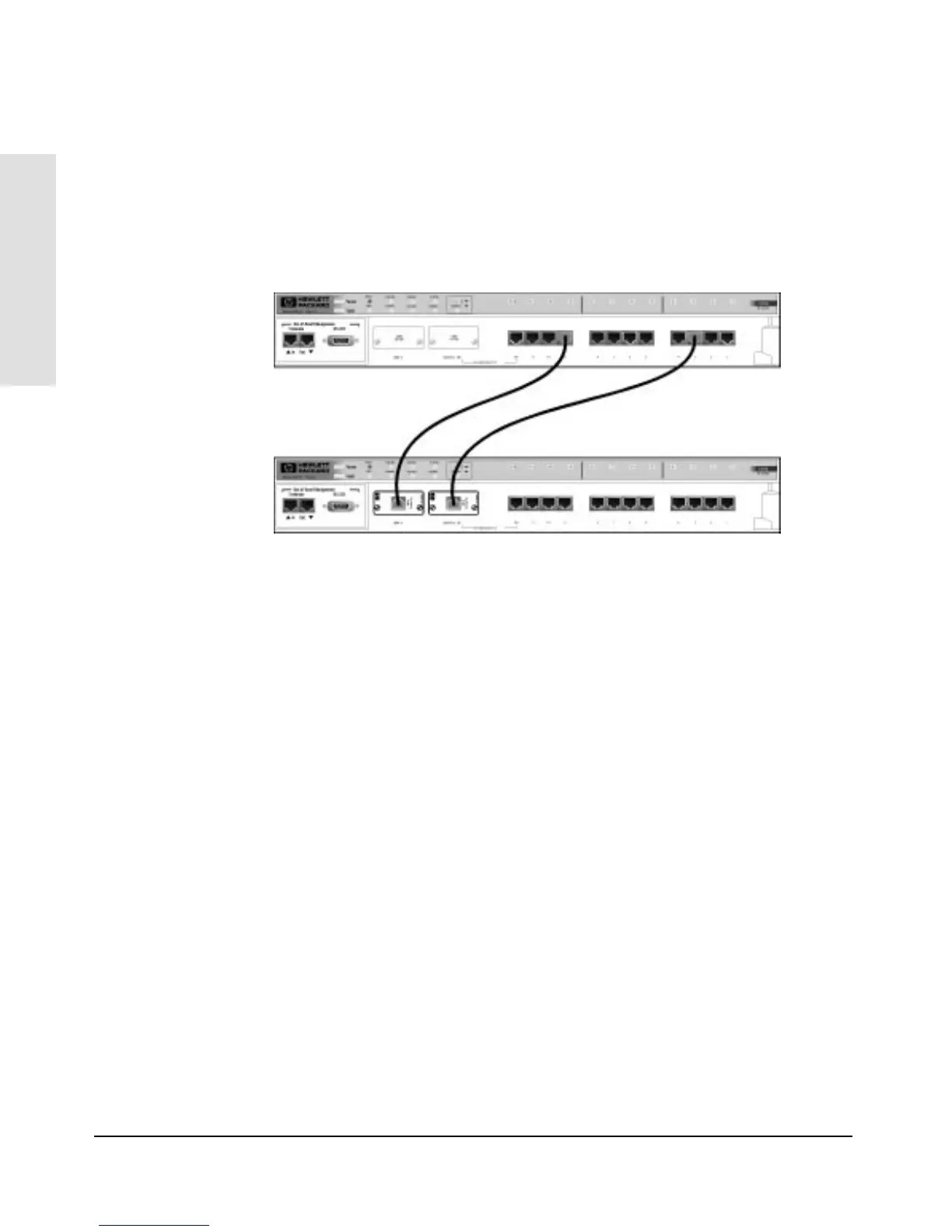
Cascading Hubs using Redundancy
You can building redundancy into your cascading hubs by connecting a
second cable from the lower-level hub to the upper-level hub. The following
illustration shows how to add the second cable:
Follow these steps to set up a redundant connection:
1. Connect the second cable following the bundling and cabling
specifications on the previous page.
2. Enable Redundant Links by using either:
• the included HP Stack Manager (described in chapter 2),
• the optional HP Interconnect Manager programs,
• the ASCII console (if you have installed an HP J2414B 100VG/ET
SNMP/Bridge Module)
If your backup link is ever interrupted, the downlink LED will blink slowly
on the upper-level hub. When using the above software programs, turn off
Redundant Links and then turn Redundant Links back on. The blinking LED
should stop blinking.
Upper-Level Hub
Lower-Level Hub
Unbundled 4-Pair LAN Cable
Installing the
HP AdvanceStack Hub
Installing the HP AdvanceStack Hub
1-18



 To Next Page