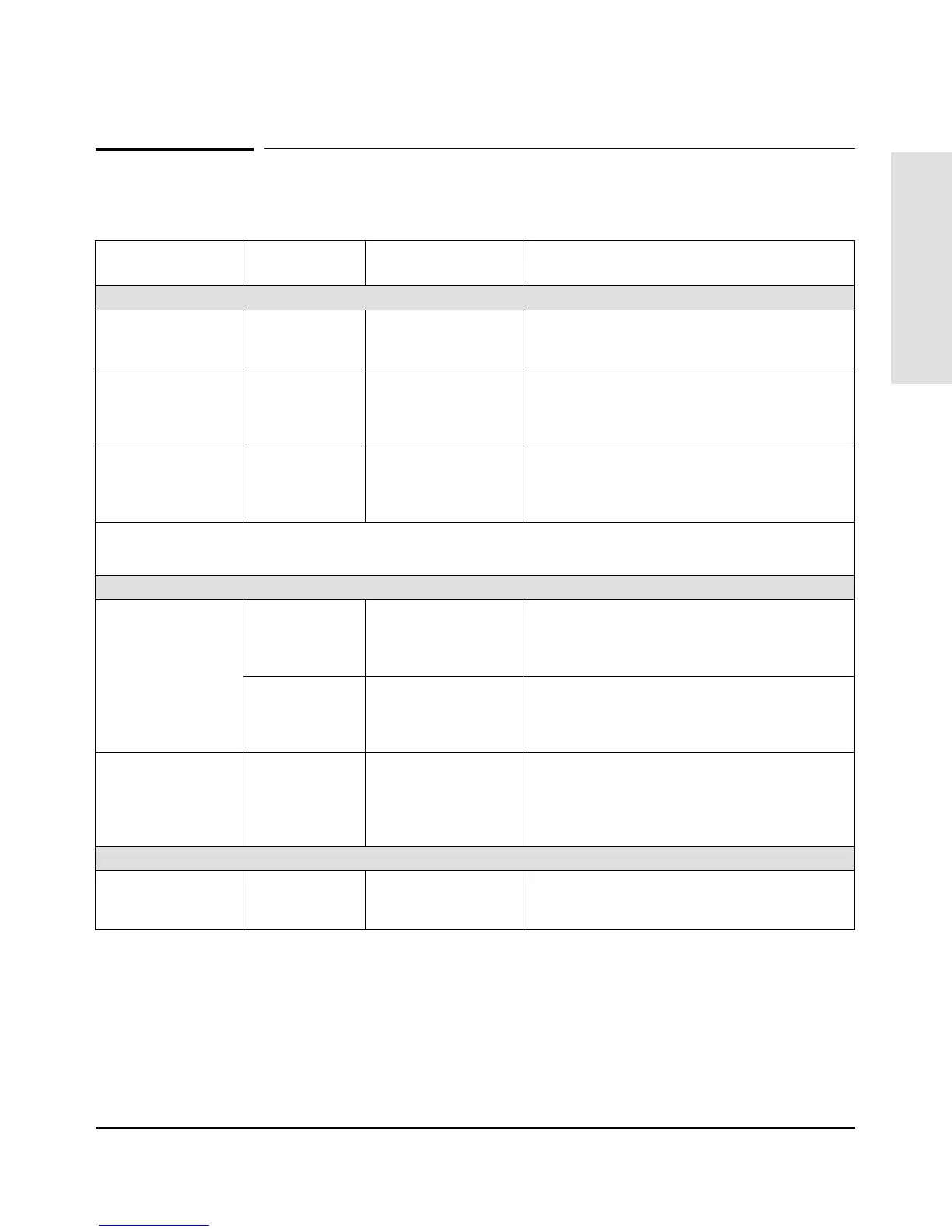
Recommended Cables
Cable Function Port Type on PC,
or Modem
Cable Type HP Product Number
Connecting devices and networks to the hub:
Connecting
twisted-pair LAN
ports
— Unshielded
twisted-pair cable
92268A, B, C, D, or N (4-pair)
Connecting an
Ethernet/IEEE 802.3
LAN to ThinLAN
transceiver module
—
IEEE Type 10Base2
Thin coaxial cable
92214U (0.5 meter),
includes a BNC “T” connector and one 50-ohm
terminator
Connecting an
Ethernet/IEEE 802.3
transceiver to the
AUI port module *
—
AUI cable 92264D (1 meter)
92254A through H (6–48 meters)
92254J (5 meters)
* An AUI cable is not necessary with some transceivers such as the HP 28685B EtherTwist Transceiver, the HP 28641B ThinLAN
Transceiver, and the HP 28683A fiber-Optic Transceiver. These transceivers can be attached directly to the AUI connector on the
AUI port module.
Connecting a PC to the hub’s RS-232 console port:
Connecting a PC to
the hub’s RS-232 port
9-pin male RS-232-C 9-pin female
to 9-pin female null
modem or
“crossover” cable
RS-232-C cable provided with the hub
(HP p/n 5182-4794)
25-pin male RS-232-C 9-pin female
to 25-pin female null
modem or
“crossover” cable
HP 24542H
Connecting a
modem to the hub’s
RS-232 port
25-pin female RS-232-C 9-pin female
to 25-pin male
standard modem or
“straight-through”
cable
HP 24542M
Chaining hubs together for distributed management
Distributed
Management Chain
Extension cables
— Unshielded
twisted-pair cable
92268A, B, C, D, or N (4-pair)
Cables and Connectors
A-3



 To Next Page