2-1
2
Installing the Switch
This chapter provides installation information for the HP 2530 Switches.
Included Parts
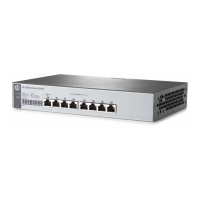
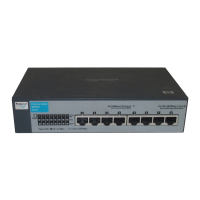
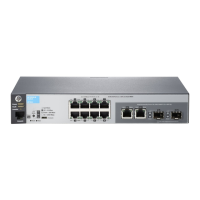
The HP 2530 Switches have the following components:
■ Documentation kit
■ Console port serial cable (DB-9 to RJ-45)
■ Accessory kits:
• Switch Quick Setup Guide
• Safety and Regulatory information
• Software License, Warranty, and Support information
2530-8 Switch
2530-8G Switch
2530-8-PoE+ Switch
2530-8G-PoE+ Switch
Kit number 5066-2232
Contains:
• two rack mounting brackets
• eight 8-mm M4 screws to attach the
mounting brackets to the switch
• four 5/8-inch number 12-24 screws to
attach the switch to a rack
• four rubber feet
Kit number 5066-0621
Contains:
• three 3/4” (20-mm M4) screws for wall
and under-table mounting
• three wall anchors
• cable tie for power cord


 To Next Page