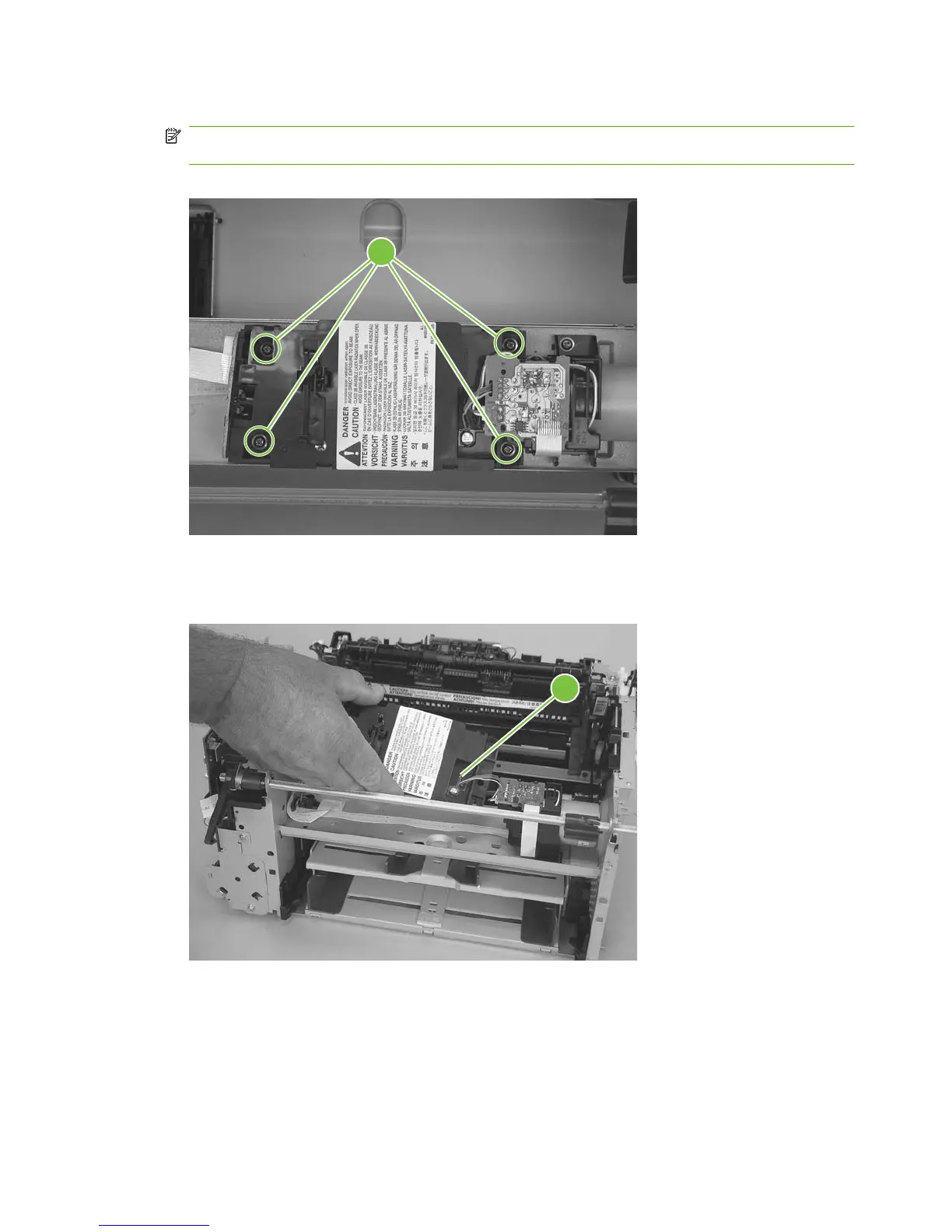
7. Remove four screws (callout 6).
NOTE: These four screws are longer than most of the screws used in the product. Do not get
them mixed up with screws from previously removed components.
Figure 5-68 Remove the laser/scanner assembly (6 of 7)
6
8. Carefully slide the laser/scanner assembly away from the main-motor PCA bracket, and then
disconnect one wire-harness connector (callout 7). Remove the laser/scanner assembly.
Figure 5-69 Remove the laser/scanner assembly (7 of 7)
7
92 Chapter 5 Removal and replacement ENWW



 To Next Page