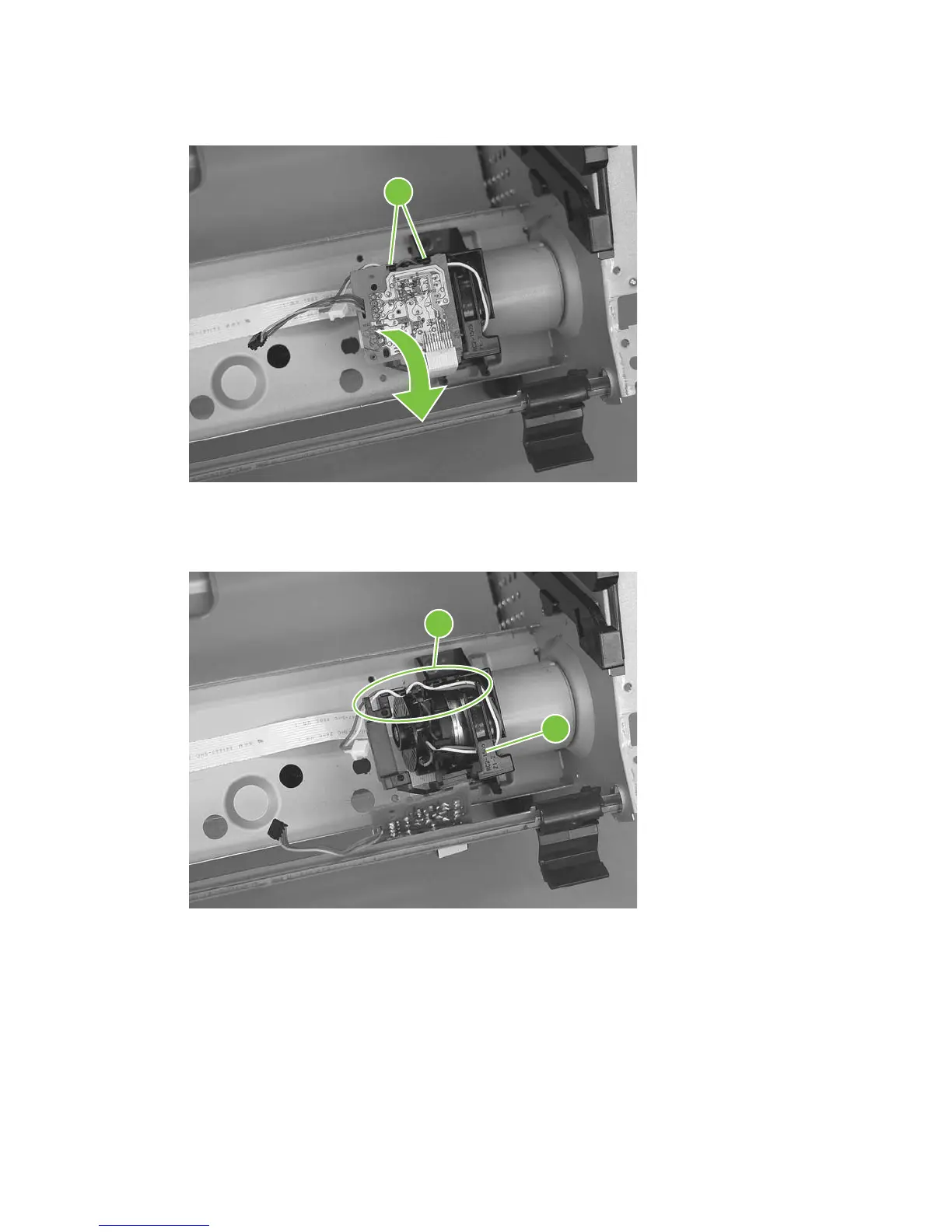
3. Carefully release two tabs (callout 3) and separate the main motor PCA from the mounting bracket.
Figure 5-71 Remove the main motor (2 of 4)
3
4. Remove the main-motor wire harness from the retainers on the mounting bracket (callout 4).
Remove the bracket (callout 5).
Figure 5-72 Remove the main motor (3 of 4)
4
5
94 Chapter 5 Removal and replacement ENWW



 To Next Page