Problem Cause Solution
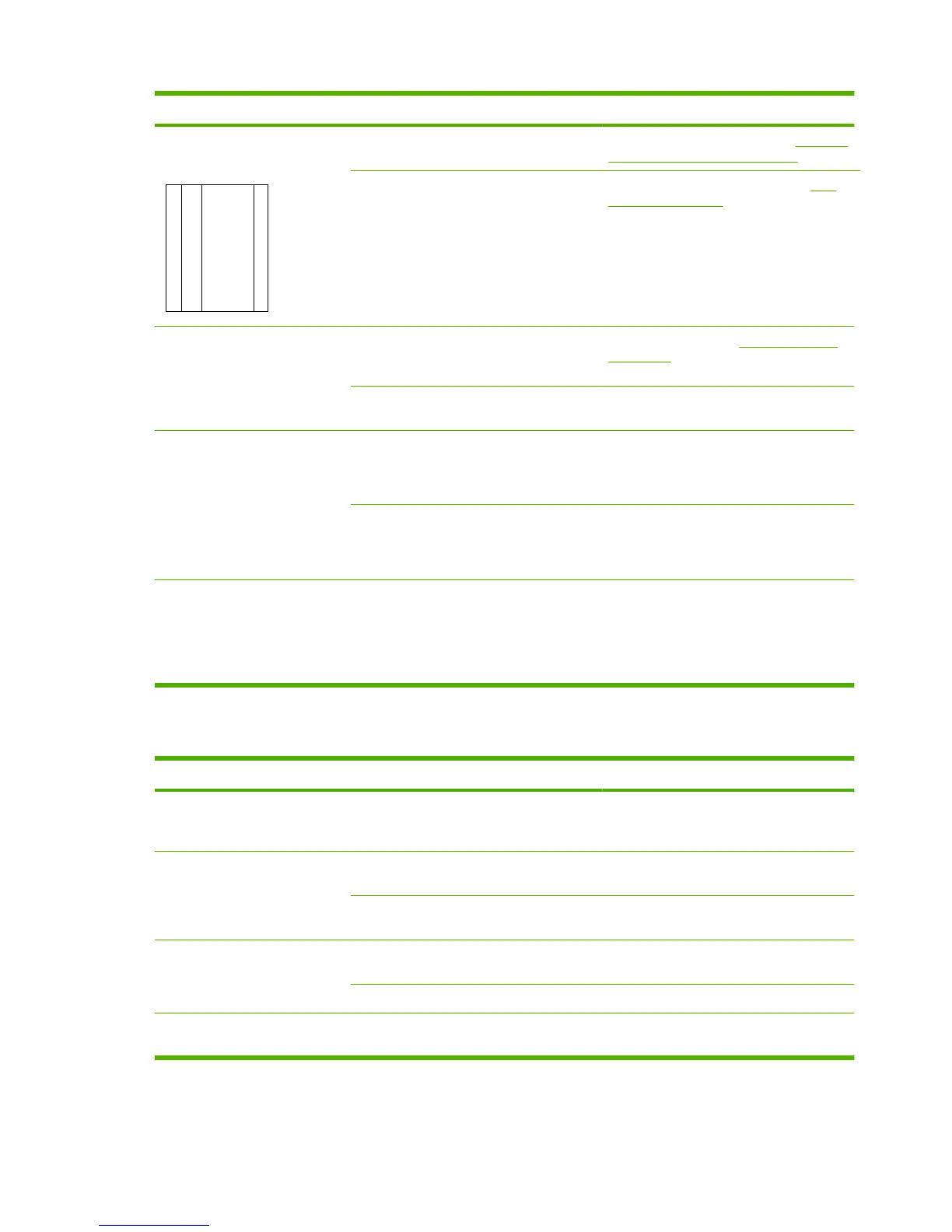
Unwanted lines appear on the
copy.
A
A
A
A
A
B
B
B
B
B
C
C
C
C
C
a
a
a
a
a
c
c
c
c
c
b
b
b
b
b
The ADF scanning strip might be dirty. Clean the ADF scanning strip. See Clean the
glass and white platen on page 35.
The photosensitive drum inside the print
cartridge might have been scratched.
Install a new HP print cartridge. See Print
cartridge on page 33.
Black dots or streaks appear on
the copy.
Ink, glue, correction fluid, or an unwanted
substance might be on the automatic
document feeder (ADF).
Clean the product. See Clean the product
on page 35.
The power to the product might have
fluctuated.
Reprint the job.
Copies are too light or dark. The printer driver or product software
settings may be incorrect.
Verify that the quality settings are correct.
See the product software Help for more
information about changing the settings.
The scanned image is too light or too dark
because the original was on colored paper.
If the original was on a colored paper,
including brown recycled paper, the text
might not be clear. Adjust the resolution and
lighter/darker settings from HP Toolbox.
Text is unclear. The printer driver or product software
settings may be incorrect.
Verify that the quality settings are correct.
Verify that the EconoMode setting is off.
See the product software Help for more
information about changing the settings.
Media-handling problems
Problem Cause Solution
Poor print quality or toner
adhesion
The paper is too moist, too rough, too heavy
or too smooth, or it is embossed or from a
faulty paper lot.
Try another kind of paper, between 100 and
250 Sheffield, 4 to 6% moisture content.
Dropouts, jamming, or curl The paper has been stored incorrectly. Store paper flat in its moisture-proof
wrapping.
The paper has variability from one side to the
other.
Turn the paper over.
Excessive curl The paper is too moist, has the wrong grain
direction, or is of short-grain construction
Use long-grain paper.
The paper varies from side-to-side. Turn the paper over.
Jamming, damage to paper The paper has cutouts or perforations. Use paper that is free of cutouts or
perforations.
176 Chapter 7 Solve problems ENWW



 To Next Page