Top cover, control panel
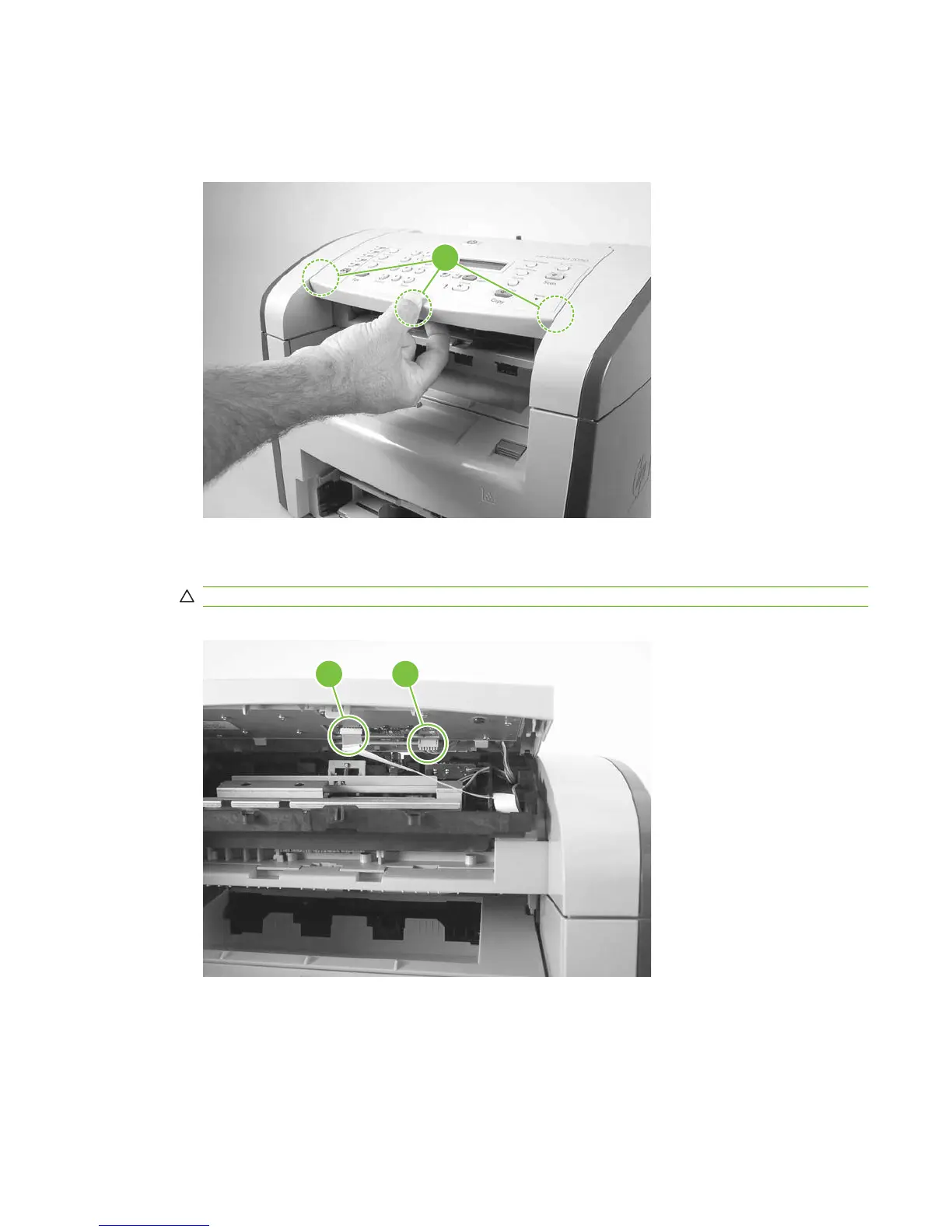
1. Carefully release three locking tabs, one at the front and one on each side (callout 1).
Figure 6-11 Removing the top cover, control panel (1 of 3)
1
2. Slightly raise the top cover. Then disconnect one FFC (callout 2) and one wire-harness connector
(callout 3).
CAUTION: Do not bend or fold the FFCs during the removal or reinstallation process.
Figure 6-12 Removing the top cover, control panel (2 of 3)
2 3
ENWW Scanner assemblies 79



 To Next Page