13
Troubleshooting
Troubleshooting
The primary tools for troubleshooting the switch modules are the LEDs on the
front of the switch and on the modules. Refer to “LED Behavior” on page 6.
Also, refer to the Installation and Getting Started Guide for more detailed
troubleshooting information.
The following tables describe switch and module LED displays that indicate
that the module or connections to the ports on the module are not operating
correctly.
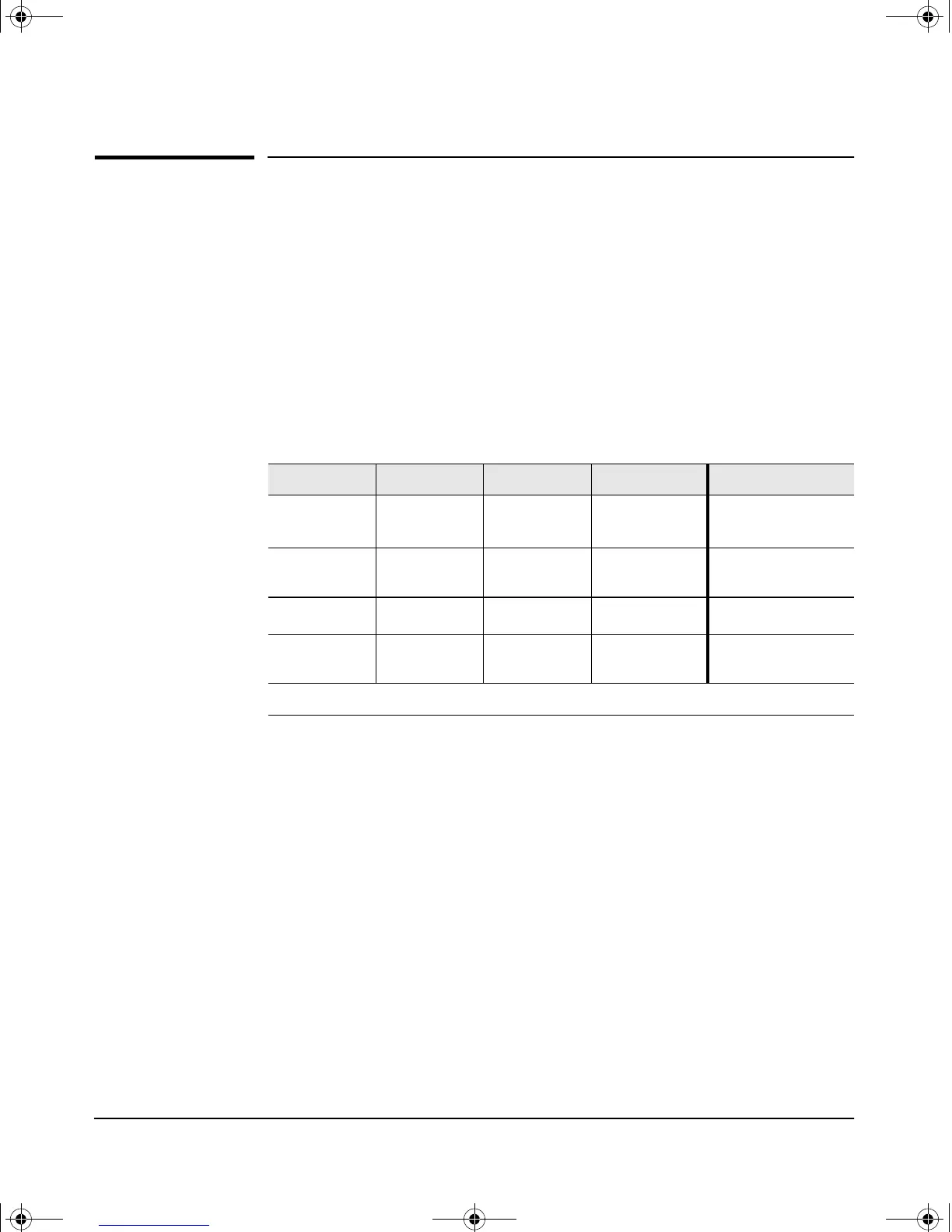
Switch and Module LED Error Indicators:
Diagnostic Tips:
See the tables on the next two pages to diagnose the LED error indicators in
the previous table.
Fault Self Test Module Status Port Link Diagnostic Tips
Blinking
†
Blinking
†
Blinking
†
All Link and
Mode LEDs On
➊
Blinking
†
Off Blinking
†
On briefly, then
Off
➋
Off Off Blinking
†
Off
➌
Off Off On Off with cable
connected
➍
†
The blinking behavior is an on/off cycle once every 1.6 seconds, approximately.
gamma-mod.book Page 13 Friday, April 6, 2001 10:23 PM










 To Next Page