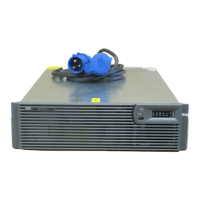
Shutting Down the System
To shut down the system:
1. Shut down all load devices.
2. Press the Standby button to take the UPS out of Operate mode.
Power to the load receptacles ceases.
3. Disconnect the UPS from utility power.
4. Wait at least 60 seconds while the UPS internal
circuitry discharges.
For more information, refer to the HP website at
www.hp.com/products/ups


 To Previous Page
 Loading...