23
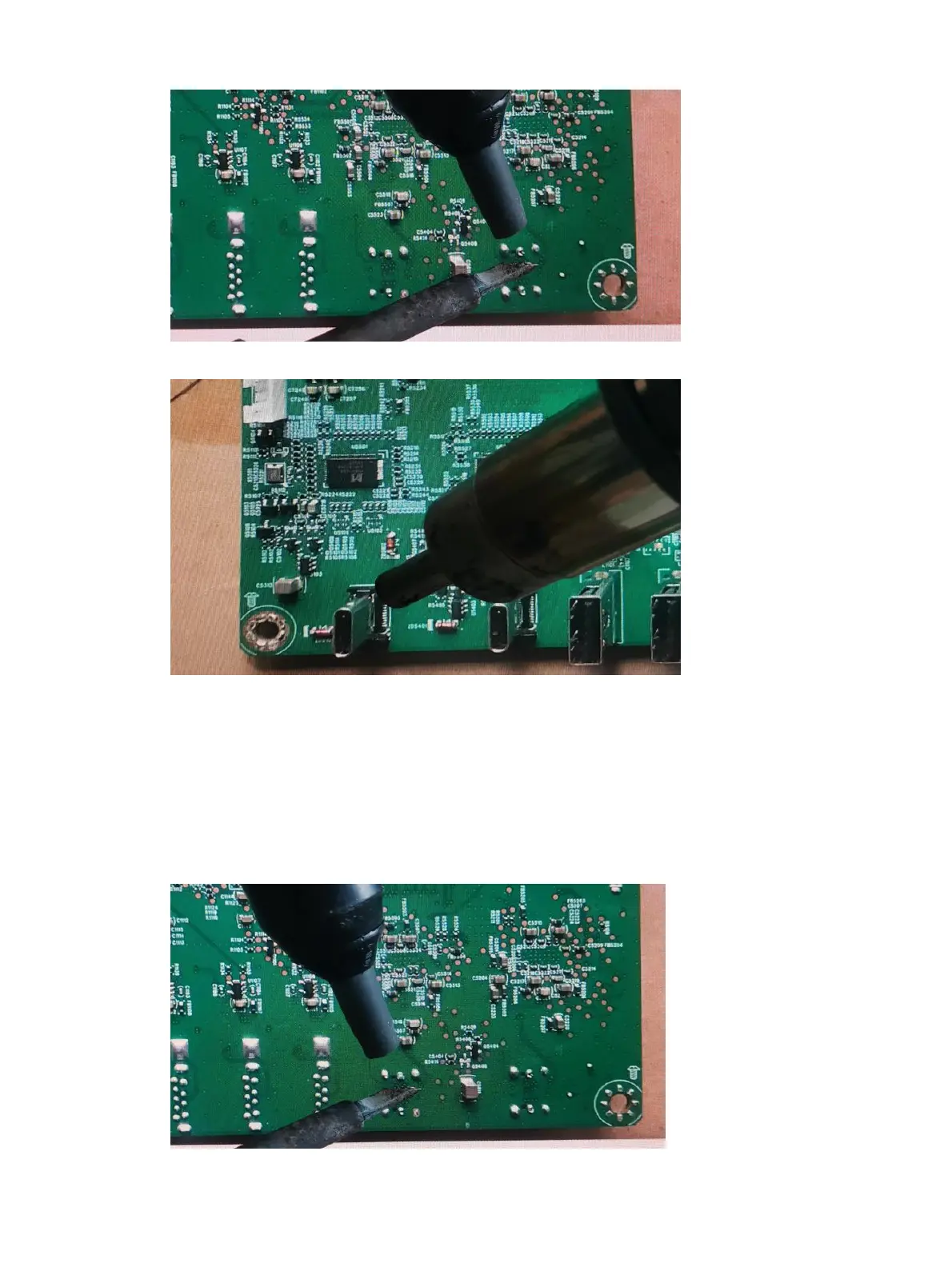
2) Use a hot air gun to melt the solder on the pins.
3) Lift the USB Type-C connector from the circuit board.
4) Place the new component on the circuit board. Be sure that it matches the circuit board footprint.
5) Solder the new component.
USB Type-C 2 connector CN5401
Repair the USB Type-C connector:
1) Use a soldering iron and a de-soldering pump to remove as much solder as possible from the pin.
2) Use a hot air gun to melt the solder on the pins.


 To Next Page