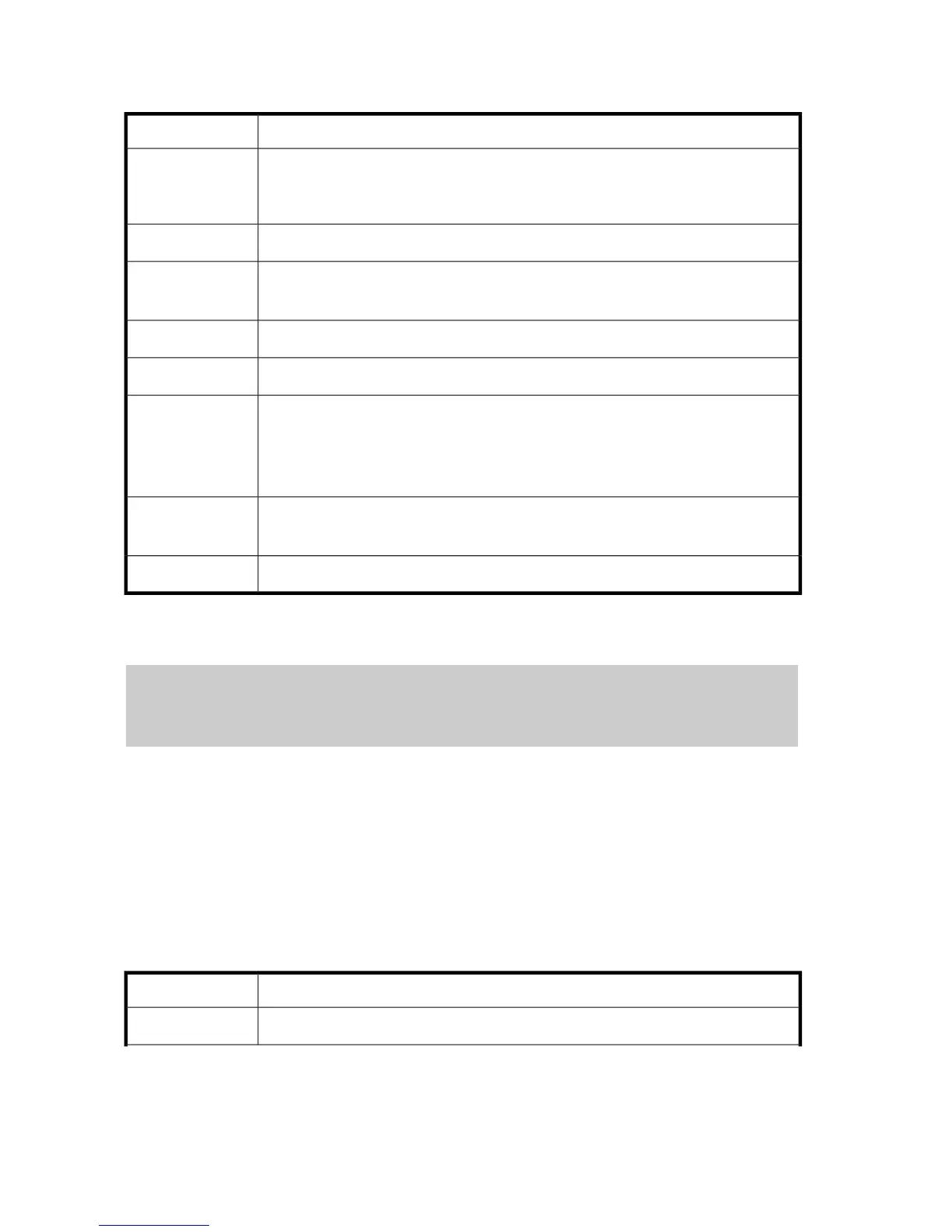
Detailed information displays for this operation, as shown in Table 281.
Table 281 Install CV Operation
DescriptionItem
The parity group number
The parity group number whose first letter is E indicates that an external volume is present
in the parity group.
PG
The LDKC, CU, and LDEV numbersLDKC:CU:LDEV
The start LBA
A hyphen (-) is output when not specified.
Start LBA
The emulation typeEmulation
The user-specified capacitySize
The unit of the CV capacity. The output unit is different according to the setting.
KB: For open-system volume
Cyl: For mainframe-system volume
LBA: When LBA is specified
Unit
Indicates system disk status
Enable: Enabled, Disable: Disabled
System Disk
The number of LDEVsNum. of LDEVs
Make Volume Operation
user-name,xx,YYYY/MM/DD,HH:MM:SS.xxx, 00:00,[VLL],Make Volume,,Normal end,,,Seq.=xxxxxx
+[PG,LDKC:CU:LDEV,Emulation,Size,Unit,System Disk]=[{X-X-(X),0xXX:0xXX:0xXX,OPEN-V,
XXXXXXXXXXXXXXXX,KB,Disable },
{X-X-(X),0xXX:0xXX:0xXX,OPEN-V,XXXXXXXXXXXXXXXX,KB,Disable}],Num. of LDEVs=2
[VLL]
Virtual LVI / Virtual LUN function
Make Volume
Make Volume operation
No parameter
No parameter is selected in the above example. This operation uses the following parameters, as
shown in Table 282.
Table 282 Parameters for Make Volume Operation
DescriptionParameter
Unformatted Make Volume. The logged information indicates that the volume was created.Non Format
Virtual LVI / Virtual LUN (VLL) Function308









 To Next Page