74 Chapter3
Troubleshooting
Using the System Board LEDs for Troubleshooting
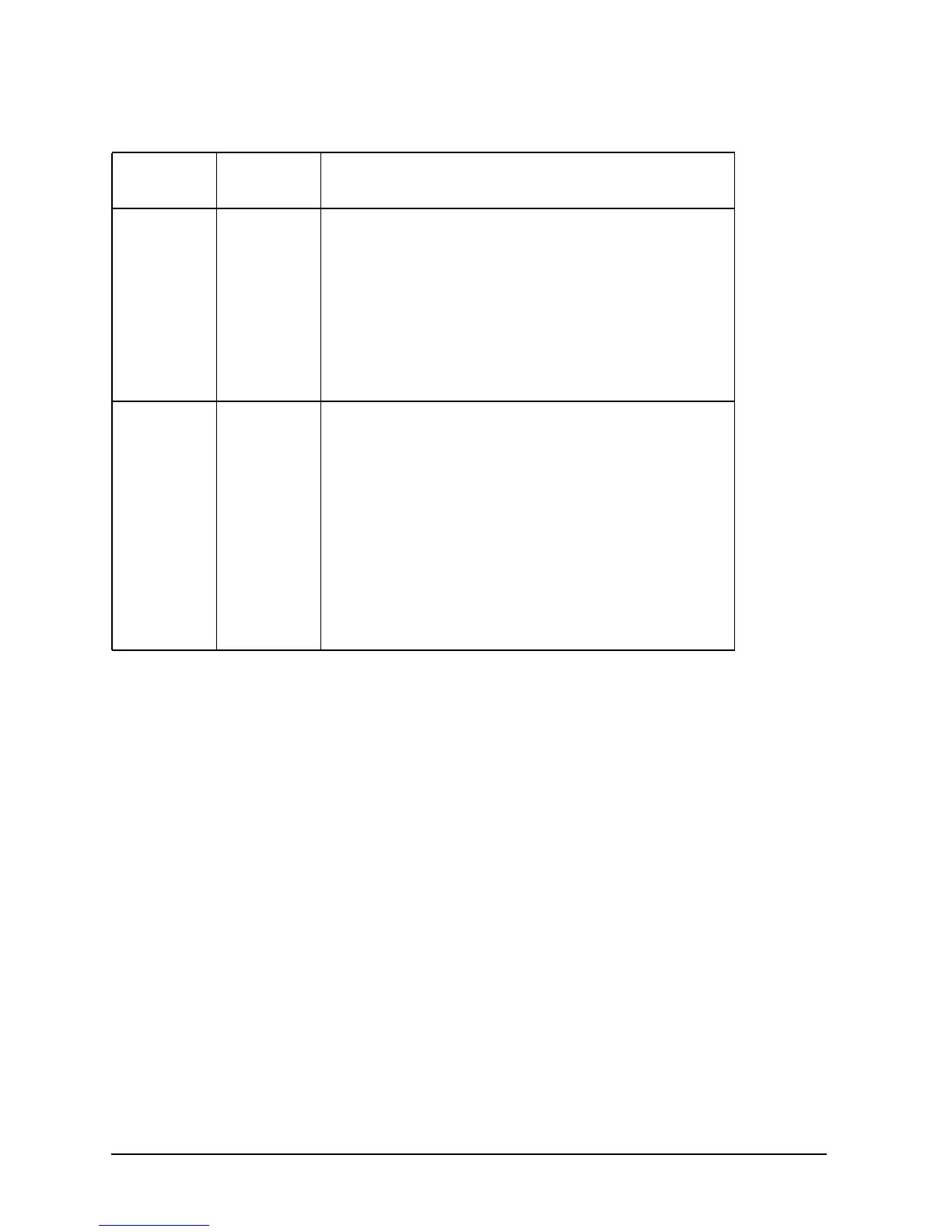
VRM0 OFF If the following solutions do not bring this LED back
on, replace VRM0 board.
• Swap VRM cards to determine if VRM0 is bad
• Determine that the power cable to the system is
plugged in
• Check that the power button has been pressed on
• Re-seat the VRM0 board in its connector
• Check that the VRM0 connector cable is properly
plugged in
FETCH OFF If the following solutions do not bring this LED back
on, replace the system board.
• Look at the system’s LCD to determine if the
firmware update process has been interrupted
• Determine that the power cable to the system is
plugged in
• Check that the power button has been pressed on
• Determine that all external peripheral devices are
turned on and that their cables are properly
connected
• Check that all internal devices are powered on and
that their cables are properly connected
Table 3-4. Solutions for the Non-Default LED States
LED Name
1
Non-Default
State
Solution




 To Next Page