Chapter 4 95
Field Replaceable Units (FRUs)
FRU Removal and Replacement
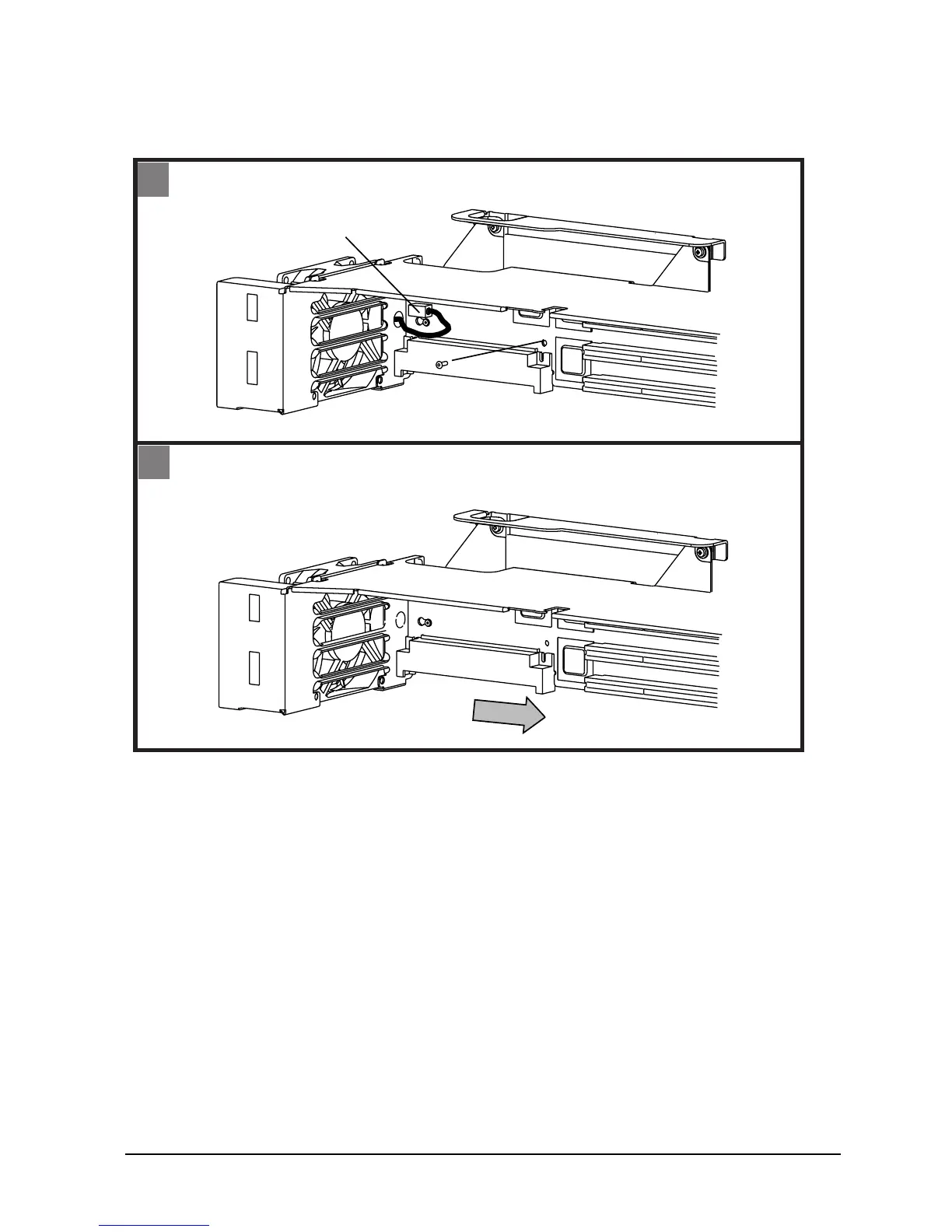
Figure 4-10. Removing the PCI Backplane
To replace the PCI Backplane and Cage, do the above steps in reverse.
Speaker
The speaker is integrated into the power supply. If the speaker fails, replace the power
supply.
1. Disconnect fan power plug
2. Remove mounting screw
Fan power plug
PCI
mounting
screw
1
- Slide board to back of cage and lift out
2
2
1









 To Next Page