98 Chapter4
Field Replaceable Units (FRUs)
FRU Removal and Replacement
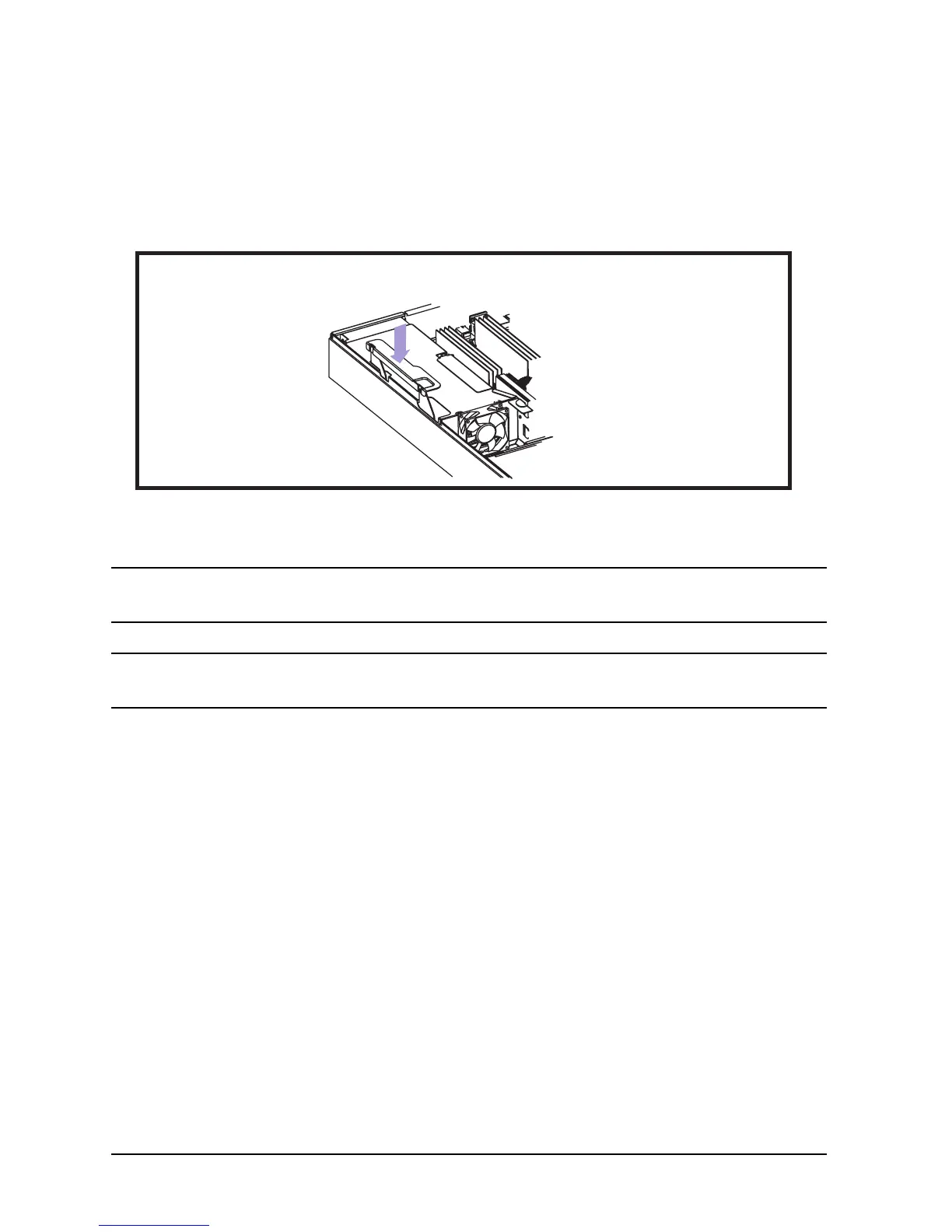
Replacing the System Board
To replace the system board, perform the above steps in reverse. Pay close attention to
installing the PCI cage.
Figure 4-13. Replacing the System Board
NOTE If you are replacing the system board on a desk side unit, go into the Boot
Console Handler (BCH) and set the fan choice to desk side.
NOTE Be sure to install the four serial port screws BEFORE installing the two
system board mounting screws.
- Reverse steps
- Install PCI cage in workstation, with handle up, then press down.









 To Next Page