4
Front components
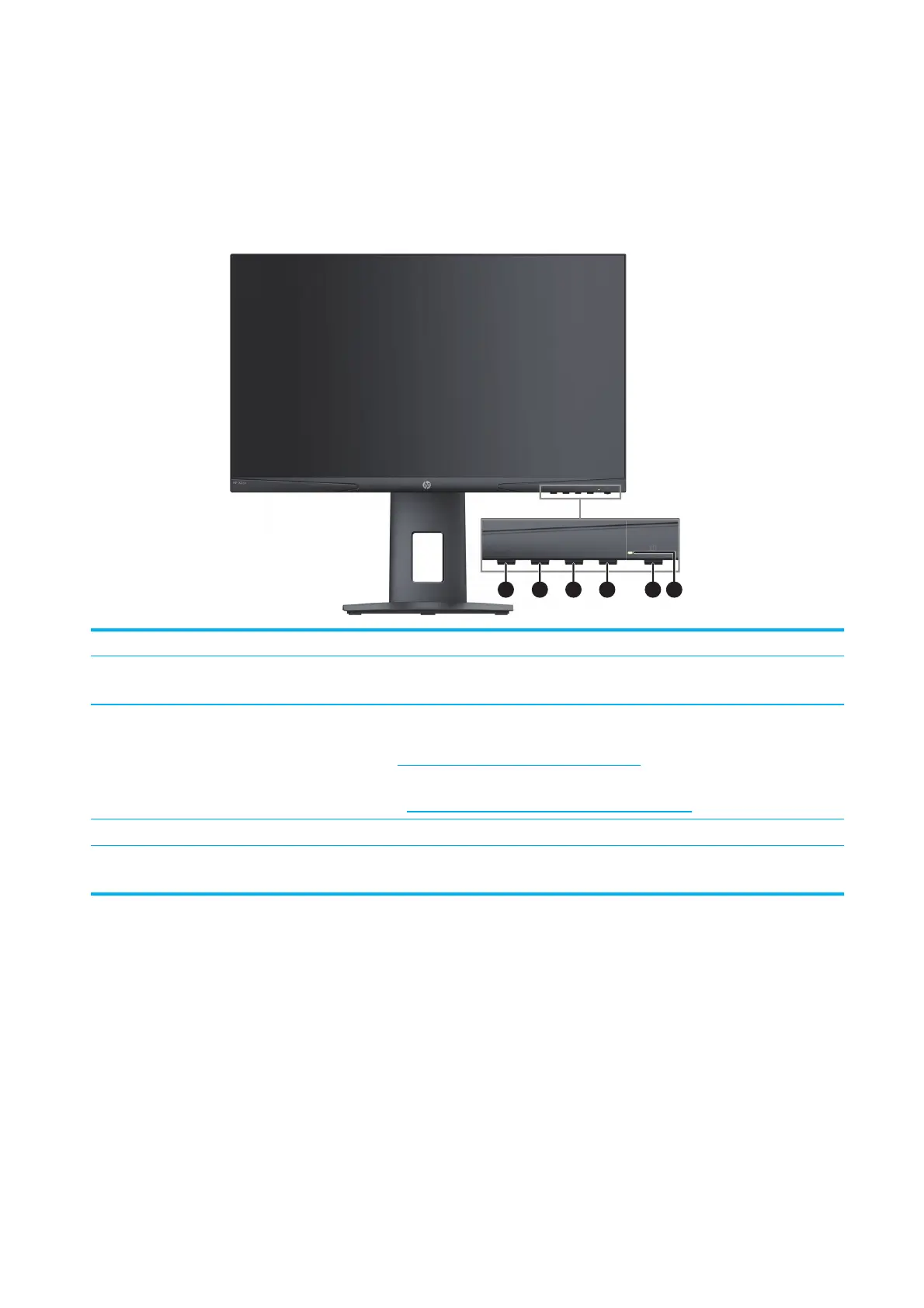
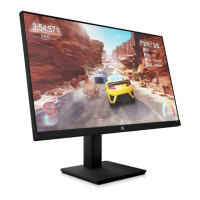
To identify the components on the front of the monitor, use this illustration and table.
1 2 3 4 5 6
Control Description
1 Menu button
Press to open the OSD menu, select a menu item from the OSD, or close the OSD
menu.
2-4 Function buttons
When the OSD menu is open, press the buttons to navigate through the menu. The
function light icons indicate the default button functions. For a description of these
functions, see Using the function buttons on page 14.
You can reassign the function buttons to quickly select the most commonly used
operations. See Reassigning the function buttons on page 14.
5 Power Turns the monitor on or o.
6 Power light
White: The monitor is on.
Amber: The monitor is in standby mode.


 To Next Page