11
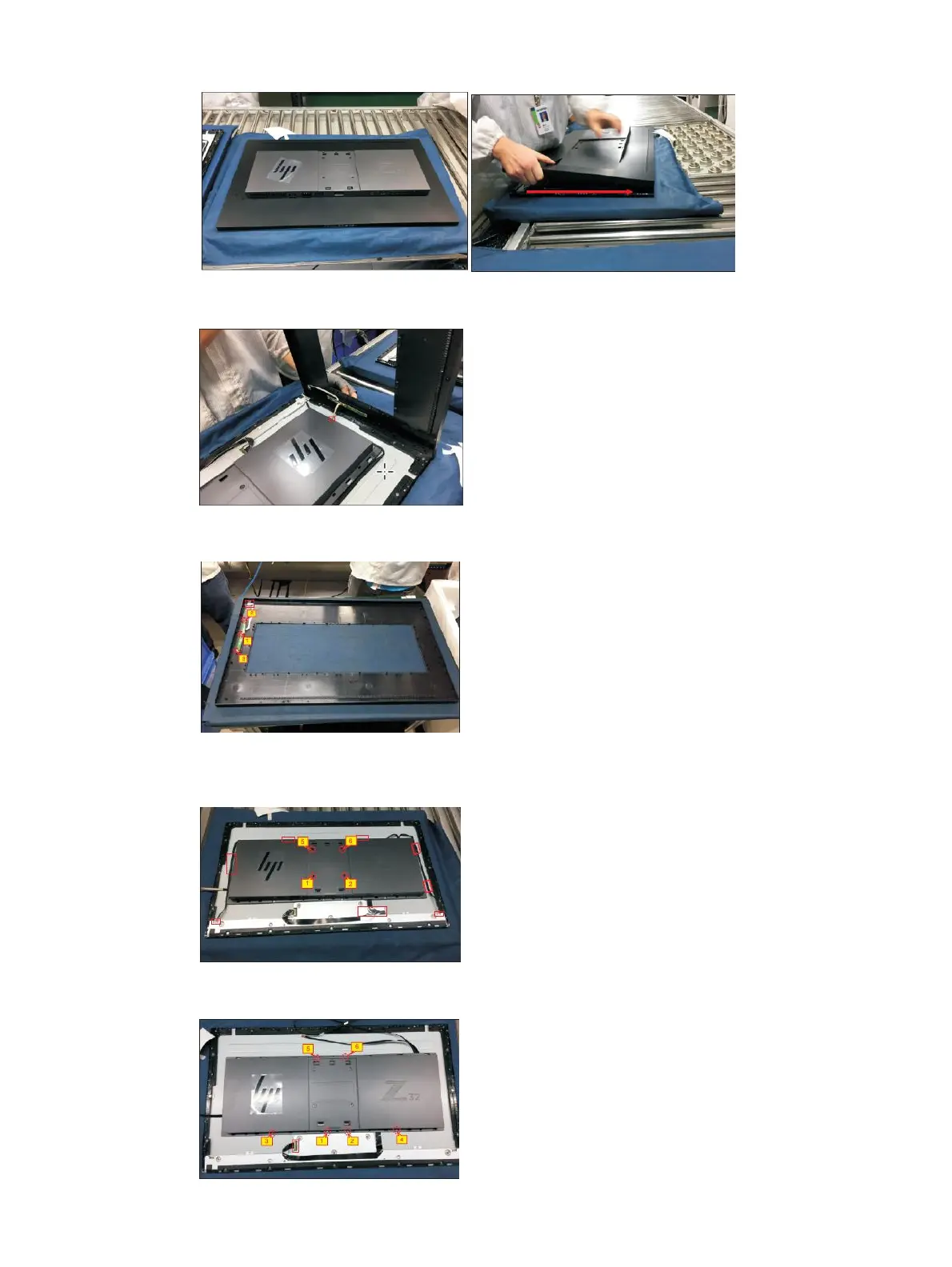
2) Turn over the rear cover outline for disconnecting the function key cable from the connector of the
interface board ,and then put the rear cover outline for later disassembling
3) Use a Philiph-head screwdriver to remove 3 pcs screw for unlocking the function key board away from the
rear cover outline,then release the function key board and LED board from the hooks of the rear cover
4) Use a Philips-head screwdriver to remove 4pcs screws for releasing the rear cover with bracket. Tear off
the adhesive and 1pcs aluminum foil for releasing the panel lamp cables and LVDS cables, and then
disconnect 2pcs panel lamp cables from the connectors of the panel module.
5) Use a Philips-head screwdriver to remove 6pcs screw for releasing the rear cover with bracket, disconnect
the LVDS cable from the connector of the panel module, then remove the rear cover.


 To Next Page