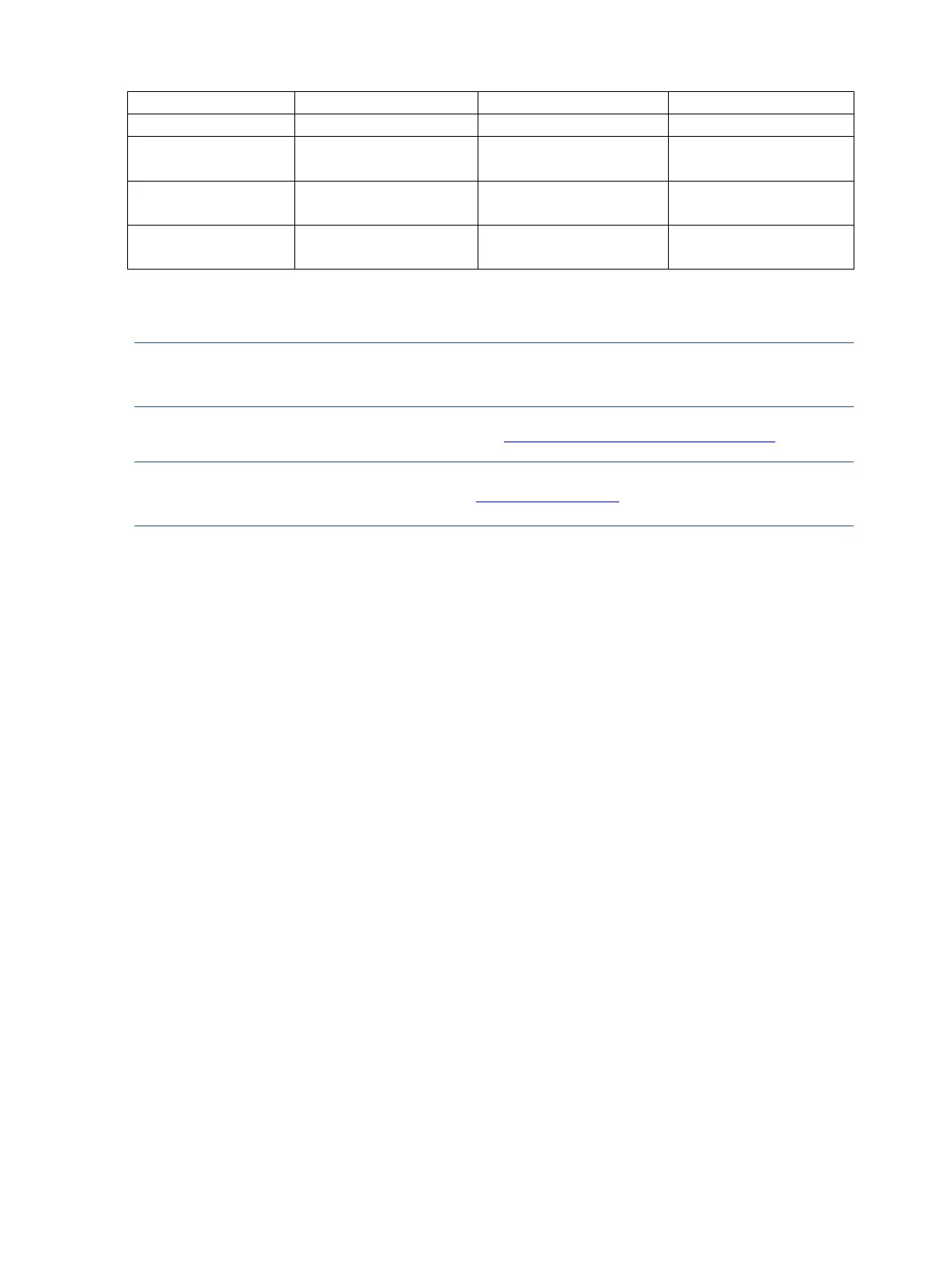
CP1-3553(or 3554)
NG-ND/CUI
732-3146-2-ND
732-3146-1-ND /WE
732-3146-2-ND
732-3146-1-ND /WE
NOTE: Rear cover and chassis need to be modified to hold connector. Connector may need
modifications to meet functional, safety and regulatory requirements accordingly if it doesn’t match
exactly.
You can purchase cables from the HP part store at https://partsurfer.hp.com/Search.aspx.
NOTE: HP continually improves and changes product parts. For complete and current information
about supported parts for your computer, go to http://partsurfer.com, select your country or region,
and then follow the on-screen instructions.


 To Next Page
 Loading...