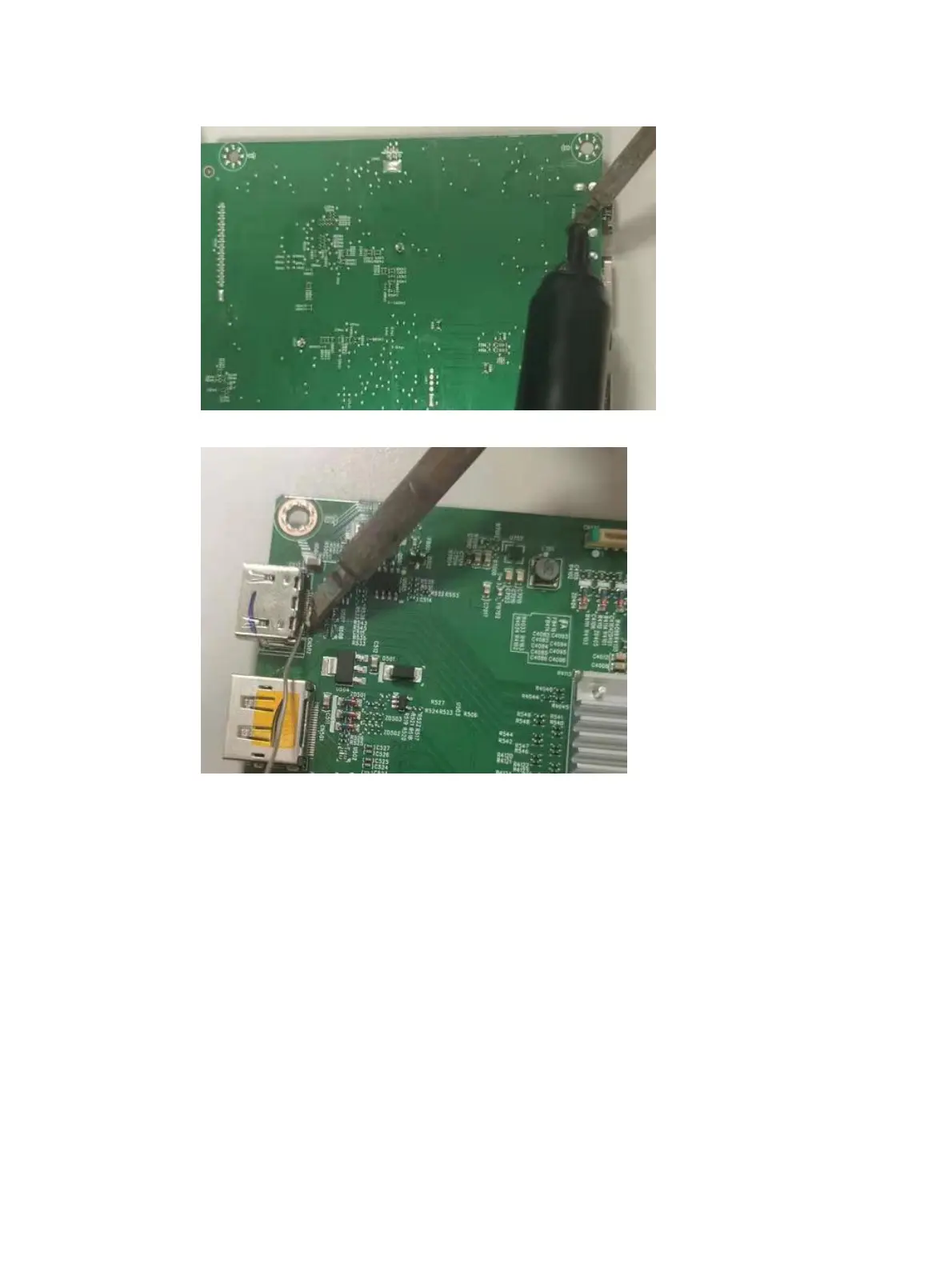
1) Use a soldering iron and a desoldering pump to remove as much solder as possible from the pin.
2) Use a hot air gun to melt the solder on the pins.
3) Lift the J2 connector from the PCB.
4) Place the new component on the PCB. Be sure that it matches the PCB footprint.
5) Solder the new component.
DP connector J3
Repair the DP connector:
1) Use a soldering iron and a desoldering pump to remove as much solder as possible from the pin.


 To Next Page
 Loading...